Add text to image — free and in your browser
Drop any image and start typing — 100+ Google Fonts are ready to use. Drag your text anywhere on the canvas, resize and rotate it freely, and fine-tune color, shadow, and opacity until everything looks right. You can add text to image files as many times as you need — add multiple text blocks, each with its own style.
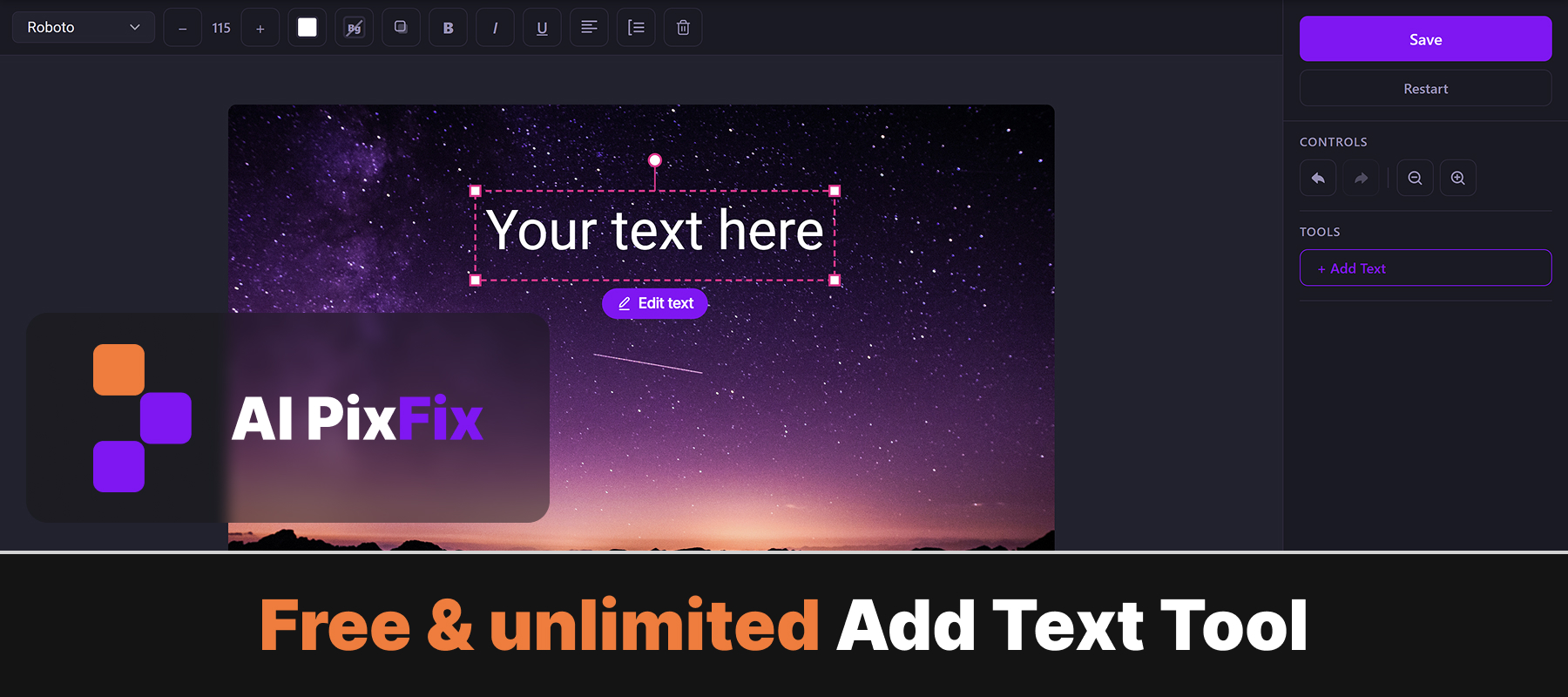
Everything runs locally — nothing is uploaded, nothing is stored. Free to add text to image files with no sign-up, no watermark, and no limits.
How to use
- 1Upload your image — Click the upload area or drag and drop a JPG, PNG, or WebP image onto the page.
- 2Type your text — Click the Add Text button and type the text you want to place on the image.
- 3Choose font, size, and color — Select from 100+ Google Fonts, set the font size, pick a color, and optionally add a drop shadow.
- 4Position the text — Drag the text block anywhere on the canvas and resize or rotate it as needed.
- 5Download the result — Click Download to save the finished image with your text overlay to your device.
Frequently Asked Questions
Is this text-on-image tool free?
Yes — completely free with no account required, no watermarks added to your output, and no limit on how many images you edit.
Do my images get uploaded to a server?
No. Everything runs locally in your browser. Your images never leave your device, so your content stays private.
What fonts are available?
Over 100 Google Fonts are available — from classic serif and sans-serif faces to display and handwriting styles. You can search and preview fonts before applying them.
Can I change the text color and size?
Yes. You can set any text color using a color picker, adjust font size, change opacity, and add a drop shadow with customizable offset and blur.
What format does the result download as?
The image with text downloads as a PNG by default, which preserves full quality. You can also download as JPG or WebP depending on your needs.