A color picker that works on your image, not just the screen
Open any photo, illustration or screenshot and instantly get its most dominant colors — sorted into a clean palette. Adjust the palette size, re-shuffle for a different sample, or switch to manual mode and use a magnifier loupe to capture the exact pixel you want.
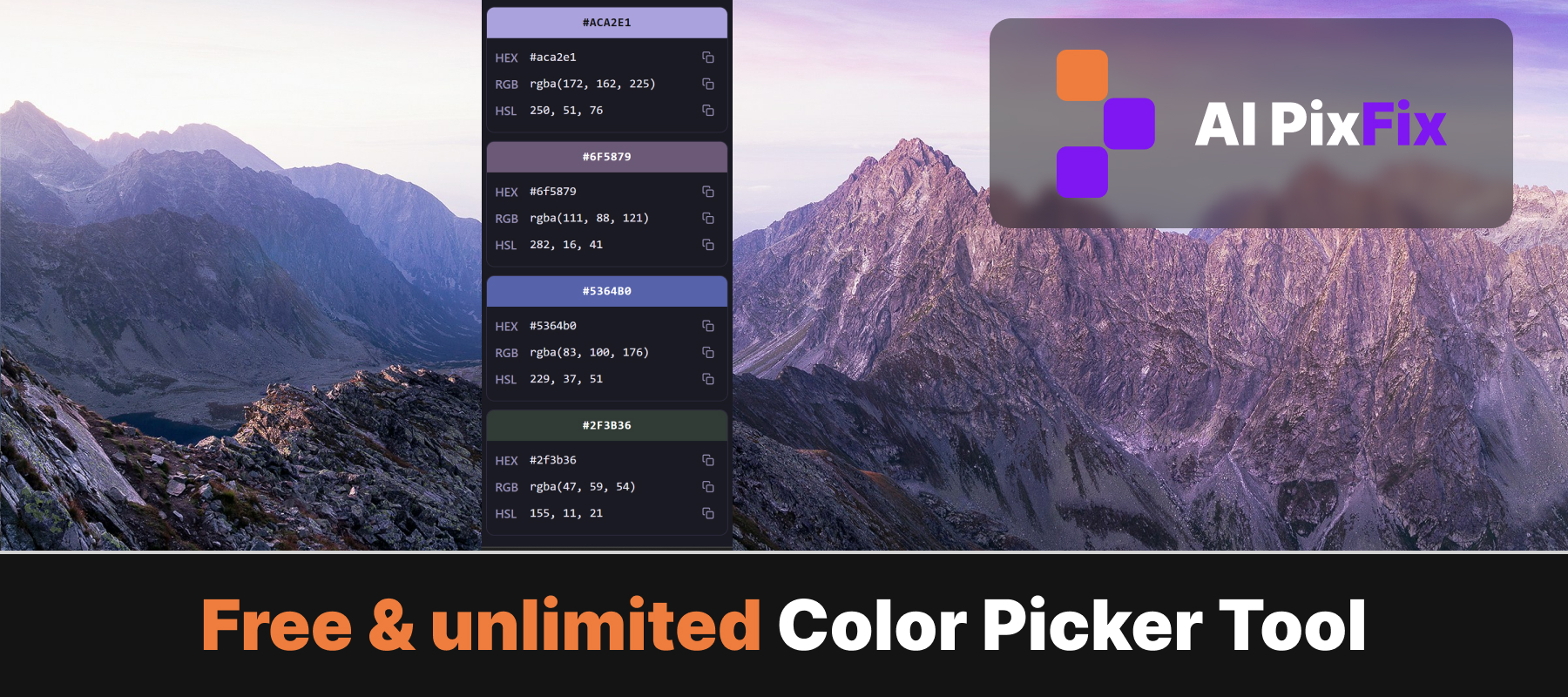
Every color is shown with its closest name, HEX, RGB and HSL values — ready to copy into Figma, your CSS file or your design doc. Nothing leaves your device.
How to use
- 1Upload an image — Drag a photo into the upload area or click to choose a file.
- 2Adjust the palette size — Use + and − to set how many colors you want, or press the shuffle button to resample.
- 3Pick colors manually (optional) — Toggle Manual color picker and click anywhere on the image to grab that pixel into the active slot.
- 4Save and download — Press Save palette, then download either a PNG strip of the colors or a TXT with names, HEX, RGB, HSL.
Frequently Asked Questions
Is the color picker free?
Yes — completely free, no account, no daily limit, no watermarks on exports.
Do my images get uploaded?
No. The image is decoded and analyzed entirely inside your browser. It never touches a server.
How does the automatic palette work?
We sample pixels across the image and run a median-cut quantization to find the most dominant colors. The result is sorted by luminance for a nice gradient look.
Can I pick a specific pixel?
Yes. Switch on Manual color picker in the right panel — your cursor turns into a loupe. Click anywhere on the image to capture that exact pixel into the active slot.
Which formats can I download?
Two exports: a PNG strip of the final palette, and a TXT file listing each color with its name, HEX, RGB and HSL values.
Which image formats are supported?
JPG, PNG, WebP, AVIF, GIF and BMP. Anything the browser can decode natively.