A photo collage generator with ready-made layouts — free, in your browser
This photo collage generator skips the blank canvas and gives you a picked-up layout straight away. Choose a category — rectangles, circles, rhombuses or chaotic — and the editor opens with the slots already in place, numbered, ready to be filled with your photos.
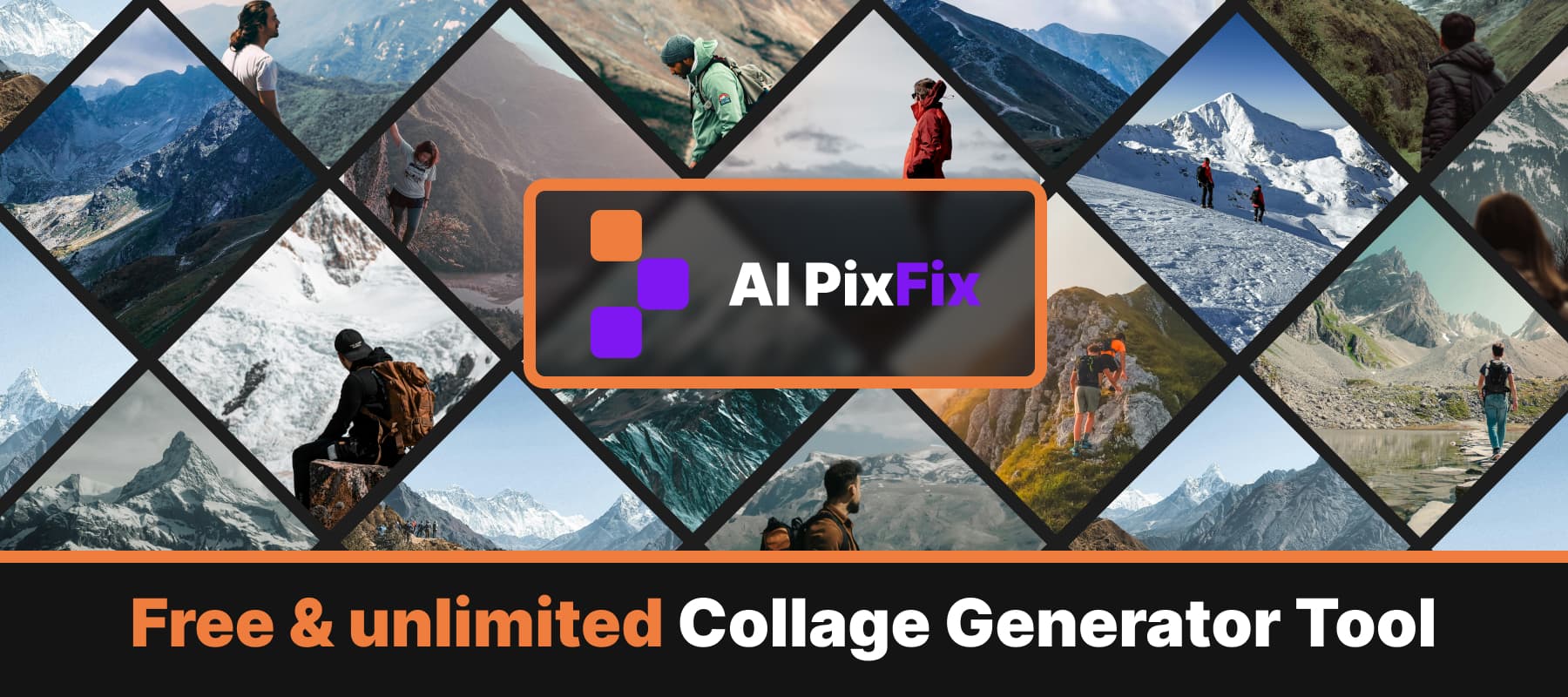
Each photo is auto-fitted to the smaller side of its shape, so a portrait in a square slot or a square in a circle still looks right on the first preview. From there you can click any image and a frame appears around its real bounds — drag a corner to scale, drag inside to pan, the rest is masked by the shape automatically.
The sidebar gives you fine control: white centered stroke around every shape with adjustable thickness and color, a background fill behind the whole layout, full undo / redo, zoom, and a width / height pair locked to the template's aspect ratio. Reorder the photos at any time, or replace any single photo without restarting the project.
Everything runs locally — nothing is uploaded, nothing is stored. Use the photo collage generator as many times as you want, fully collage generator free, no sign-up, no watermark on the result.
How to use
- 1Choose a template — Click Choose template and pick a layout from rectangles, circles, rhombuses or chaotic.
- 2Upload your photos — Drop the exact number of images the layout needs. PNG, JPG or WebP.
- 3Arrange the order — Drag the photos to choose which one fills which numbered shape. Preview the auto-fit result before continuing.
- 4Edit and save — Resize images inside their shapes, add stroke or background color, then save the collage as PNG.
Frequently Asked Questions
Is the collage generator free?
Yes — every layout, every export, every download is free. No account, no daily cap, no watermark on the saved collage.
Do my photos get uploaded to a server?
No. The collage generator runs entirely in your browser. Your photos never leave your device.
What kinds of layouts are available?
Four template categories — rectangles, circles, rhombuses, and chaotic — with multiple ready-made layouts in each. Pick one, fill it with your photos, and save.
Can I resize photos inside the collage?
Yes. Click any photo in the collage and a frame appears — drag the corner handles to scale the photo inside its shape. Anything outside the shape is masked out automatically.
Can I add a stroke or background color?
Yes. Toggle the stroke section to add a centered outline around every shape, pick the color and thickness. Toggle the background section to set a solid color behind the collage.
What size does the collage export at?
By default the smaller side of the collage is 800 px and the other side is computed from the layout's aspect ratio. You can change both width and height in the editor — they stay linked to the template's ratio.