Sign PDF — free, unlimited, no sign-up
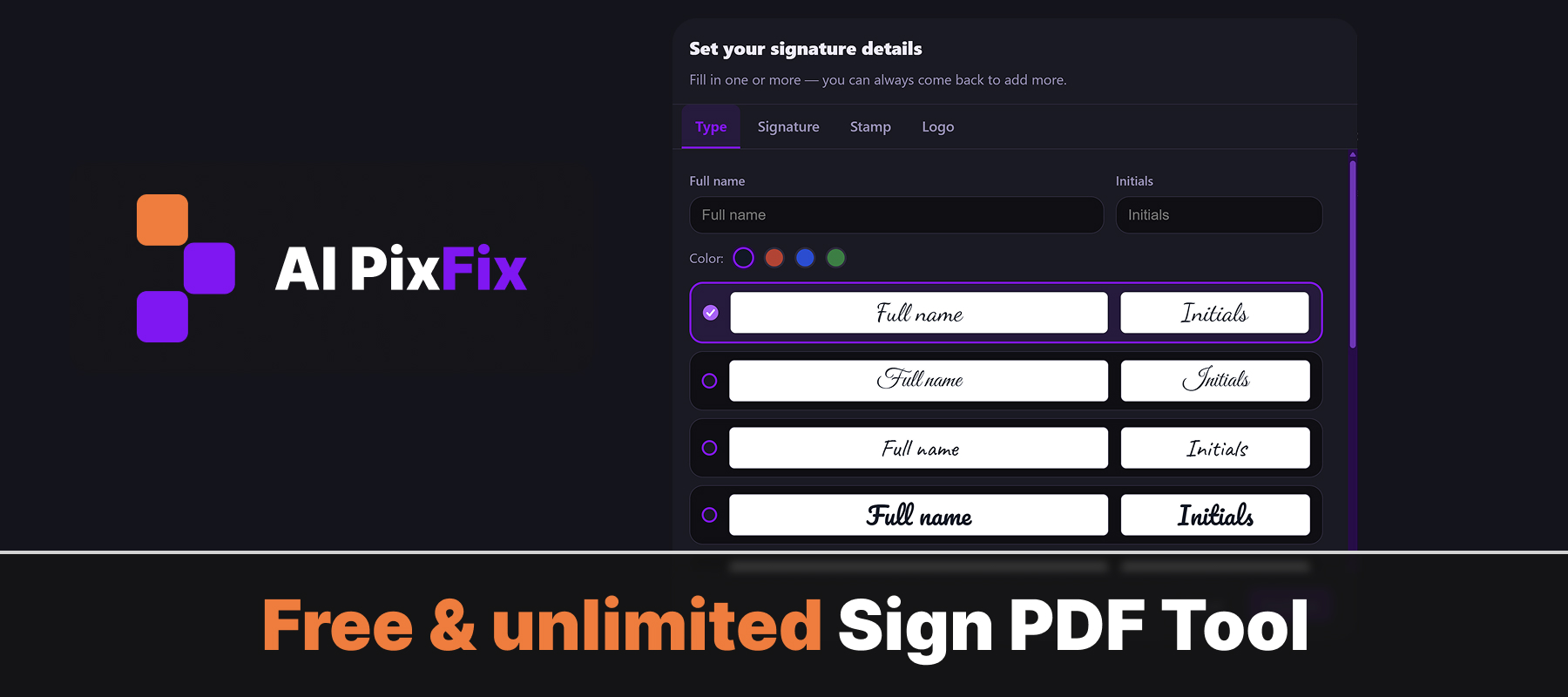
Add a signature to a PDF without uploading it to anyone's server. Type your name in a signature font, draw your signature with a mouse or finger, or upload an existing signature image. Drop a stamp or logo while you're at it. Place each element exactly where you need it, resize, rotate — then download.
Everything runs in your browser on your own device. Your PDF never leaves the page — safe for contracts, NDAs, agreements and any document where a third-party service is not an option.
No installation, no account, no daily limits. Sign as many PDFs as you need.
How to use
- 1Upload your PDF — Click the upload area or drag and drop the PDF you need to sign.
- 2Create your signature — Draw your signature with mouse or finger, or type your name and choose a style.
- 3Place the signature — Drag the signature to the correct position on the page and resize if needed.
- 4Download — Click Download to save the signed PDF to your device.
Frequently Asked Questions
Is the PDF signing tool free?
Yes — free, unlimited, no account, no watermarks.
Do my files get uploaded?
No. Signing happens entirely in your browser. Your PDF never leaves your device.
Can I draw my signature?
Yes. Use the drawing pad to sign with your mouse or finger, then place the signature anywhere on the PDF.
Can I type my name as a signature?
Yes. Type your name and choose a style — it will be placed as a signature field on the document.
Is a digital signature legally binding?
For most everyday purposes, yes. Electronic signatures are recognized in most countries under laws like eIDAS (EU) and ESIGN (US).