Add a watermark to PDF — free, unlimited, no sign-up
Most online PDF watermarking tools force a trade-off: upload to a stranger's server, cap the number of pages, watermark your output for you, or lock real controls behind a paid plan. Ours does none of that. Drop up to ten PDFs, pick a text or image watermark, position it in any corner or the center, tweak margin, opacity and rotation — and save one watermarked copy per input file.
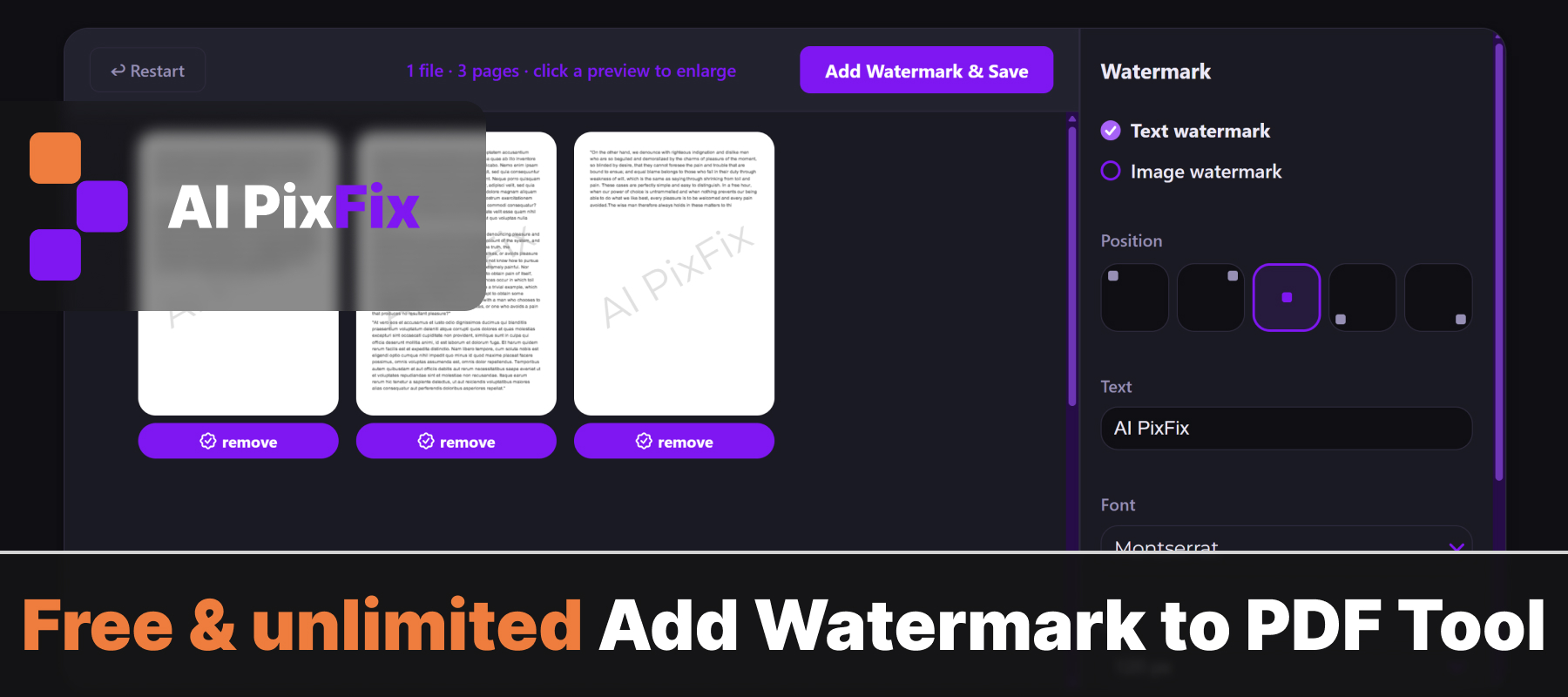
Everything happens inside your browser on your own device, so your files never leave your machine. Safe for contracts, scans, statements, medical records — any document where a third-party server isn't an option. No installation, no account, no daily limits.
Each page preview reflects your settings live. Click a preview to see it enlarged, and skip specific pages with the watermark-icon button below each thumbnail — the watermark will not be stamped onto pages you remove.
How to use
- 1Upload your PDF — Click the upload area or drag and drop the PDF you want to watermark.
- 2Set watermark content — Type your watermark text, or upload a PNG/SVG logo to use as an image watermark.
- 3Customize appearance — Adjust the font size, color, opacity, rotation angle, and position on the page.
- 4Download — Click Apply, then Download to save the watermarked PDF.
Frequently Asked Questions
Is the watermark tool free?
Yes — free, no account, no limits.
Do my files get uploaded?
No. Watermarking happens entirely in your browser. Your PDF never leaves your device.
Can I customize the watermark text?
Yes. Set the text, font size, color, opacity, rotation angle, and position on the page.
Can I use an image as a watermark?
Yes. Upload a PNG or SVG logo and place it anywhere on each page.
Will the watermark appear on all pages?
Yes. By default the watermark is applied to every page of the PDF.