Split PDF — free, unlimited, no sign-up
Most online PDF splitters force a trade-off: upload your document to a stranger's server, cap the number of output files, watermark the result, or lock real flexibility behind a paid plan. Ours does none of that. Drop a single PDF, pick one of three modes — by page ranges, by a fixed chunk size, or by freely combining pages into several output files — and save the pieces as separate PDFs.
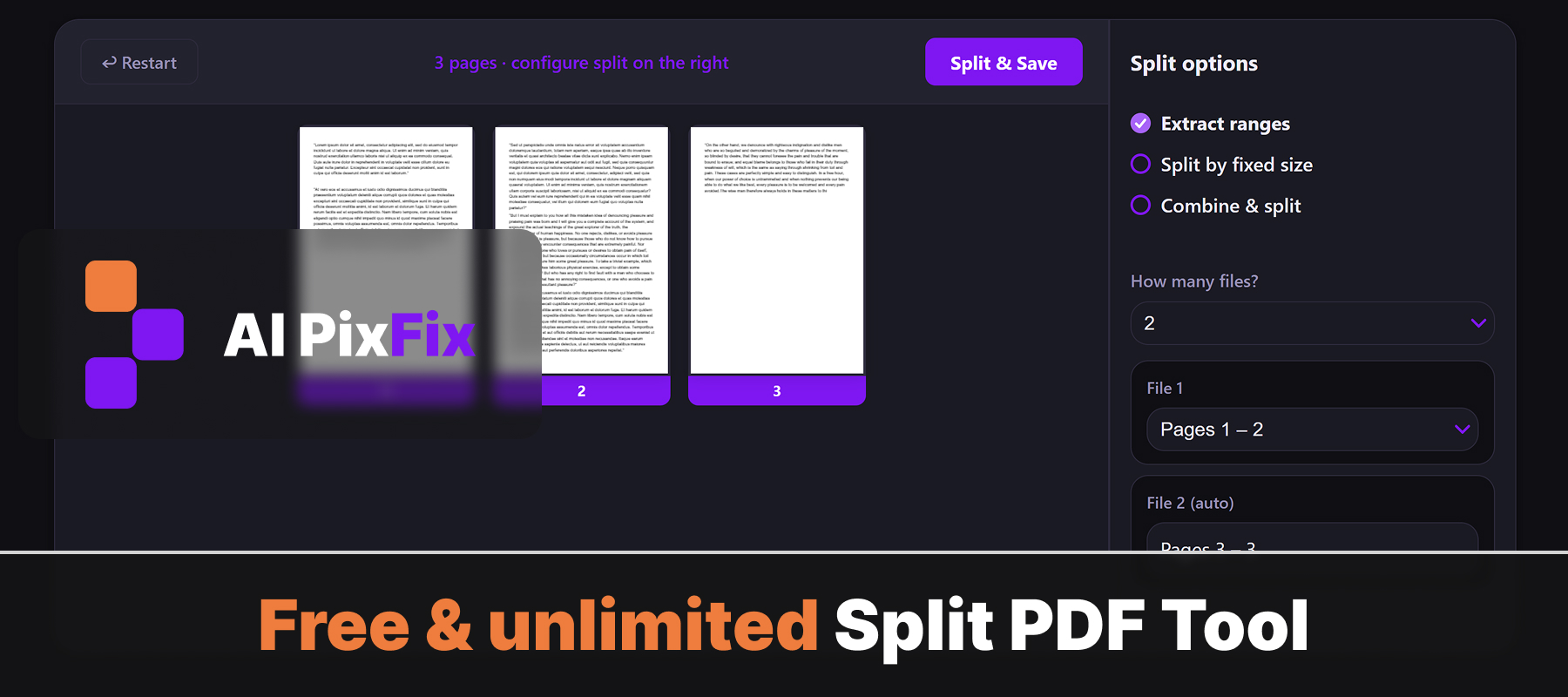
Everything happens inside your browser on your own device, so your file never gets uploaded anywhere. That makes it safe for sensitive documents — contracts, scans, statements, medical records — where sending data to a third-party server is not an option. No installation, no account, no daily limits.
Need the opposite workflow — stitching several PDFs together into one? Try our Merge PDF tool. Want to permanently drop specific pages? Use Remove Pages. Just need a subset of pages pulled out? Extract Pages covers that path.
How to use
- 1Upload your PDF — Click the upload area or drag and drop the PDF you want to split.
- 2Set page ranges — Enter the page ranges for each output file, e.g. 1-3, 4-7, 8-10.
- 3Click Split — Press Split to divide the PDF into separate files.
- 4Download — Download each resulting PDF file individually.
Frequently Asked Questions
Is the PDF splitter free?
Yes — free, unlimited, no account, no watermarks.
Do my files get uploaded?
No. Splitting happens entirely in your browser. Your PDF never leaves your device.
Can I split by specific page ranges?
Yes. Enter the page ranges you want and the tool creates a separate PDF for each range.
Can I extract a single page?
Yes. Set the range to a single page number to extract just that page as its own PDF.
What is the output?
One or more PDF files, each containing the pages you selected.