Merge images online — free, in your browser
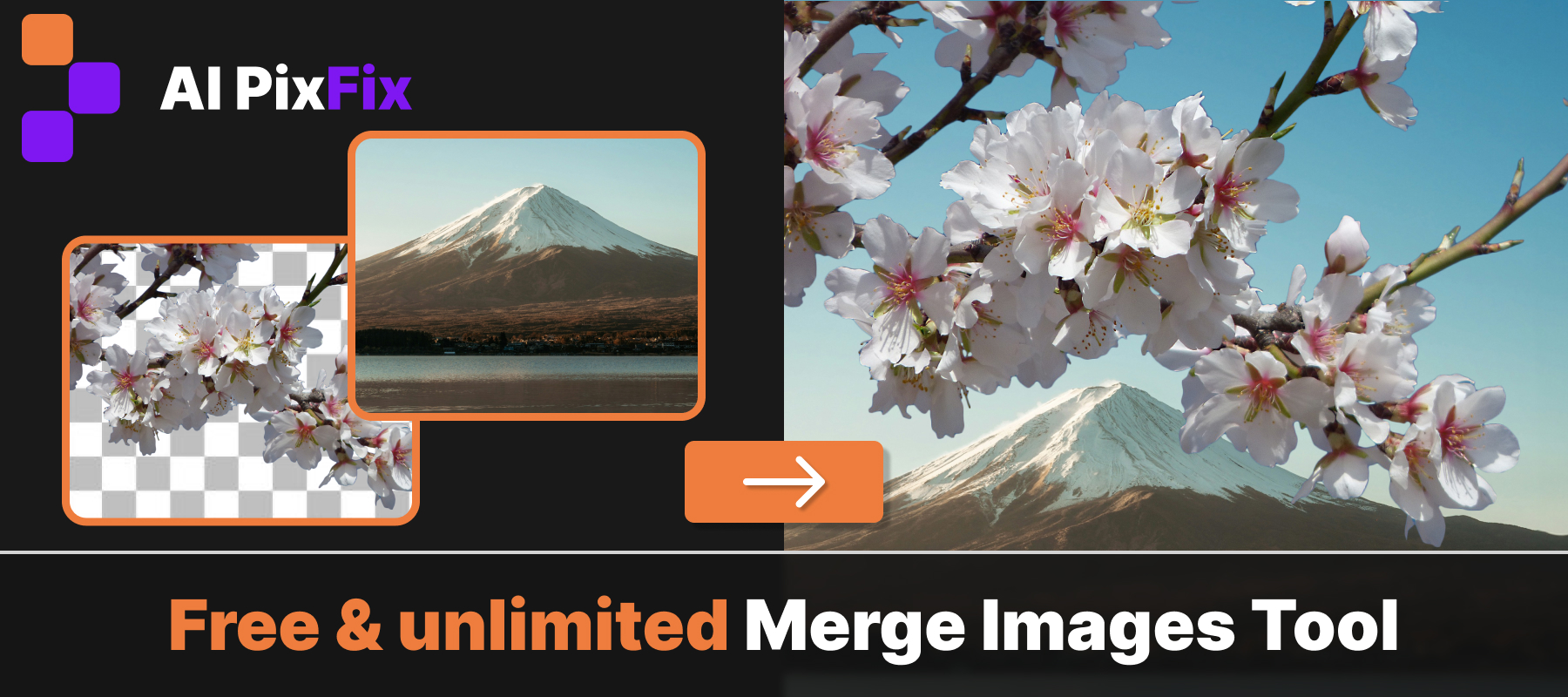
Merge images online — up to 10 photos into one, no Photoshop, no account, nothing to install. Place everything onto an existing background photo, or compose on a blank canvas at the exact size and color you need. Download as PNG or JPG at full resolution, no watermark, no quality loss.
Every layer is fully editable. Drag to reposition, resize by corner handles, rotate freely, reorder the stack. Each layer also has its own brightness, contrast, saturation, hue, and temperature controls — so if one photo is too warm or too dark relative to the others, you fix it right here without opening another tool.
The canvas mode gives you full control over the output size. Set orientation, pick an aspect ratio, enter pixel dimensions — the matching side calculates automatically. Background color is set via palette, hex input, or screen eyedropper, so you can combine images on a transparent layer, a white card, or any custom color.
Everything runs locally in your browser — nothing is uploaded to a server, nothing is stored. Free to merge images as many times as you need, no sign-up, no watermark.
How to use
- 1Upload images — Drop up to 10 images on the left — PNG, JPG, or WebP.
- 2Choose a base — On the right, pick a background image or a custom canvas with your chosen size and color.
- 3Arrange the layers — Drag, resize, rotate, and reorder each image. Tune brightness and color per layer if needed.
- 4Download — Click Save result and download as PNG or JPG.
Frequently Asked Questions
Is the Merge Images tool free?
Yes — completely free, no account required, no watermarks.
Do my images get uploaded?
No. Everything runs locally in your browser. Your images are never sent to any server.
How many images can I merge at once?
Up to 10 images per merge. You can drag, resize, rotate, and reorder each layer freely.
What input formats are supported?
PNG, JPG, and WebP are supported. Transparent PNGs and WebPs work best for layered collages.
Can I pick the canvas size myself?
Yes. Switch to Custom canvas, choose orientation and aspect ratio, then enter any size in pixels — the matching side is calculated automatically.
Can I change the background color of the canvas?
Yes. The custom canvas defaults to white, but you can open the color picker, type a hex value, pick from the palette, or use the screen eyedropper.