Add pages to a PDF — free, unlimited, no sign-up
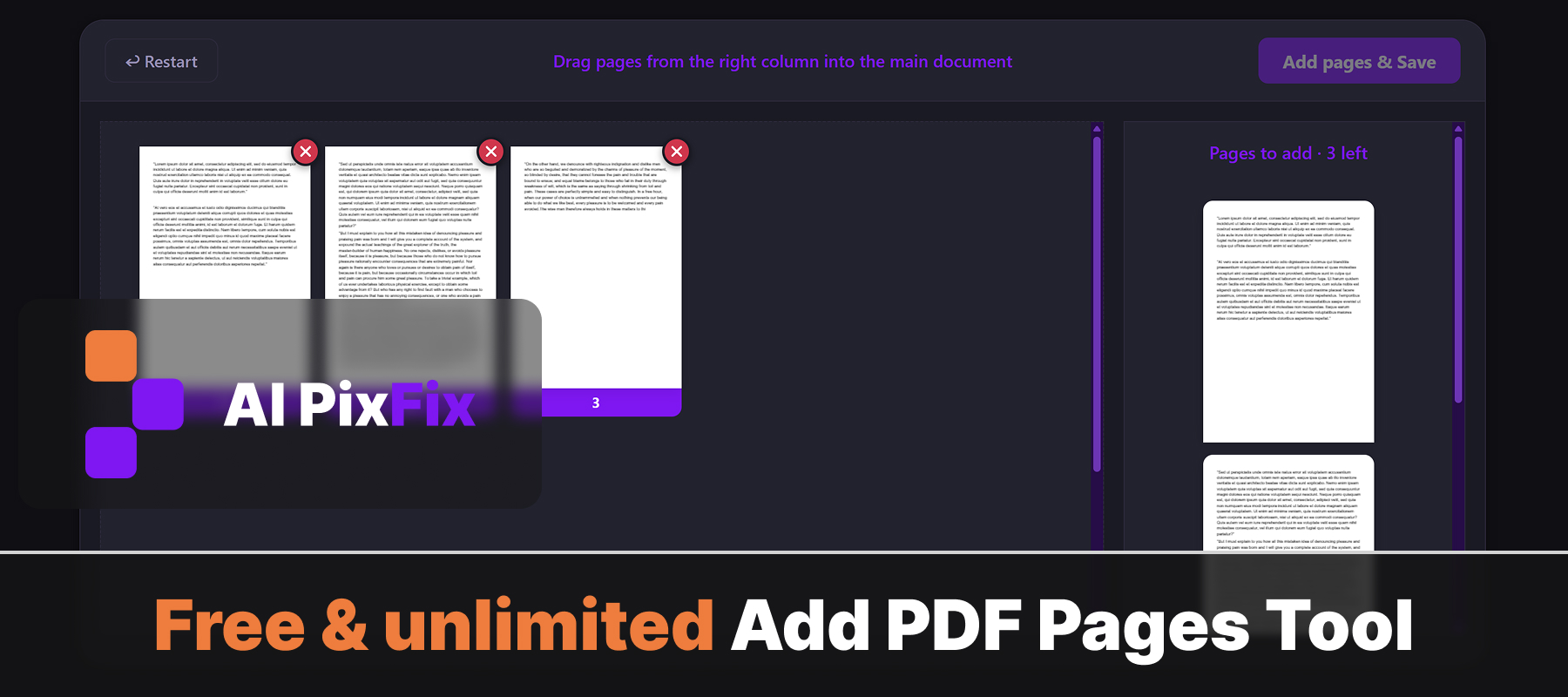
Most online tools that let you insert pages into a PDF watermark the result, cap you at a few files per day, or hide the feature behind a paid plan. Ours has none of that. Drop your main PDF in, load any number of extra PDFs on the right, then drag the pages you want into the exact position you want them — reorder or drop pages from the main document too. Save it all as one clean PDF in a single click.
Everything happens inside your browser on your own device, so your files never get uploaded anywhere. That makes it safe for sensitive material — contracts, invoices, medical records, legal scans — where sending documents to a third-party server isn't an option. No installation, no account, no daily limits.
Just want to drop a few pages from an existing PDF? Try our Remove Pages from PDF tool. Want to keep only certain pages as a fresh document? Extract Pages from PDF is the fastest route.
How to use
- 1Upload your base PDF — Click the upload area or drag and drop the main PDF you want to add pages into.
- 2Upload a second PDF — Load additional PDFs in the side panel — these are the source documents you will pull pages from.
- 3Choose where to insert — Drag pages from the side panel and drop them at the exact position you want in the main document.
- 4Download the merged PDF — Click Download to save the combined PDF with all inserted pages to your device.
Frequently Asked Questions
Is adding pages to a PDF free?
Yes — completely free with no account required, no watermarks, and no limit on how many PDFs you process.
Do my PDFs get uploaded to a server?
No. All processing runs locally in your browser. Your files never leave your device, keeping sensitive documents private.
Can I add pages from another PDF?
Yes. Load one or more secondary PDFs in the side panel, then drag individual pages from those PDFs into your main document at any position.
Can I choose where to insert the pages?
Yes. Drag pages from the side panel and drop them at any position in the main PDF. You can insert pages at the beginning, end, or anywhere in between.
Is there a file size limit?
There is no enforced file size limit. The tool runs entirely in your browser, so performance depends on your device. Most PDFs up to several hundred megabytes work without issues.