Password-protect a PDF — free, unlimited, no sign-up
Most online PDF encryption tools force a trade-off: upload your file to a stranger's server, cap the number of pages, or hide real controls behind a paid plan. Ours does none of that. Drop up to ten PDFs, pick a password, and save AES-encrypted copies.
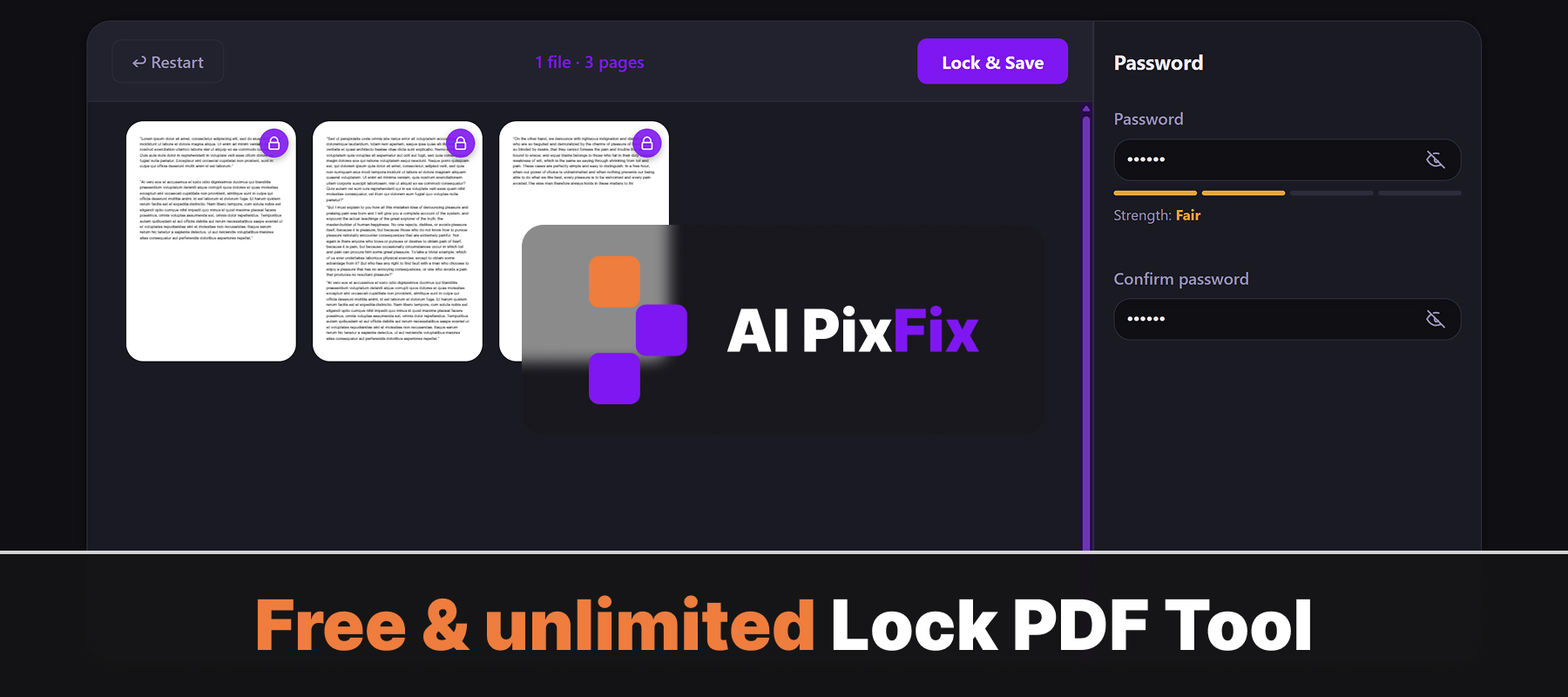
Encryption happens in your browser. Your files and your password never leave your device — no server ever sees them. Safe for sensitive documents — contracts, financial statements, medical records — where sending data to a third-party service is not an option. No installation, no account, no daily limits.
Forgot a password you set earlier? We cannot recover it — by design there is no backdoor. If you need to remove a password from a PDF you already know the password for, use the Unlock PDF tool instead.
How to use
- 1Upload your PDF — Click the upload area or drag and drop the PDF you want to protect.
- 2Enter a password — Type the password you want to use to lock the file.
- 3Click Lock PDF — Press the Lock button to apply AES encryption with your chosen password.
- 4Download — Download the protected PDF. Keep the password safe — it cannot be recovered.
Frequently Asked Questions
Is the PDF lock tool free?
Yes — free, no account, no watermarks.
Do my files get uploaded?
No. Password protection is applied entirely in your browser. Your PDF never leaves your device.
What encryption is used?
The tool applies AES encryption to protect your PDF with the password you set.
Can I set a password on any PDF?
Yes. Upload any PDF, enter a password, and download the protected file.
What happens if I forget the password?
The password cannot be recovered. Make sure to store it safely — without it, the PDF cannot be opened.