Merge PDF — free, unlimited, no sign-up
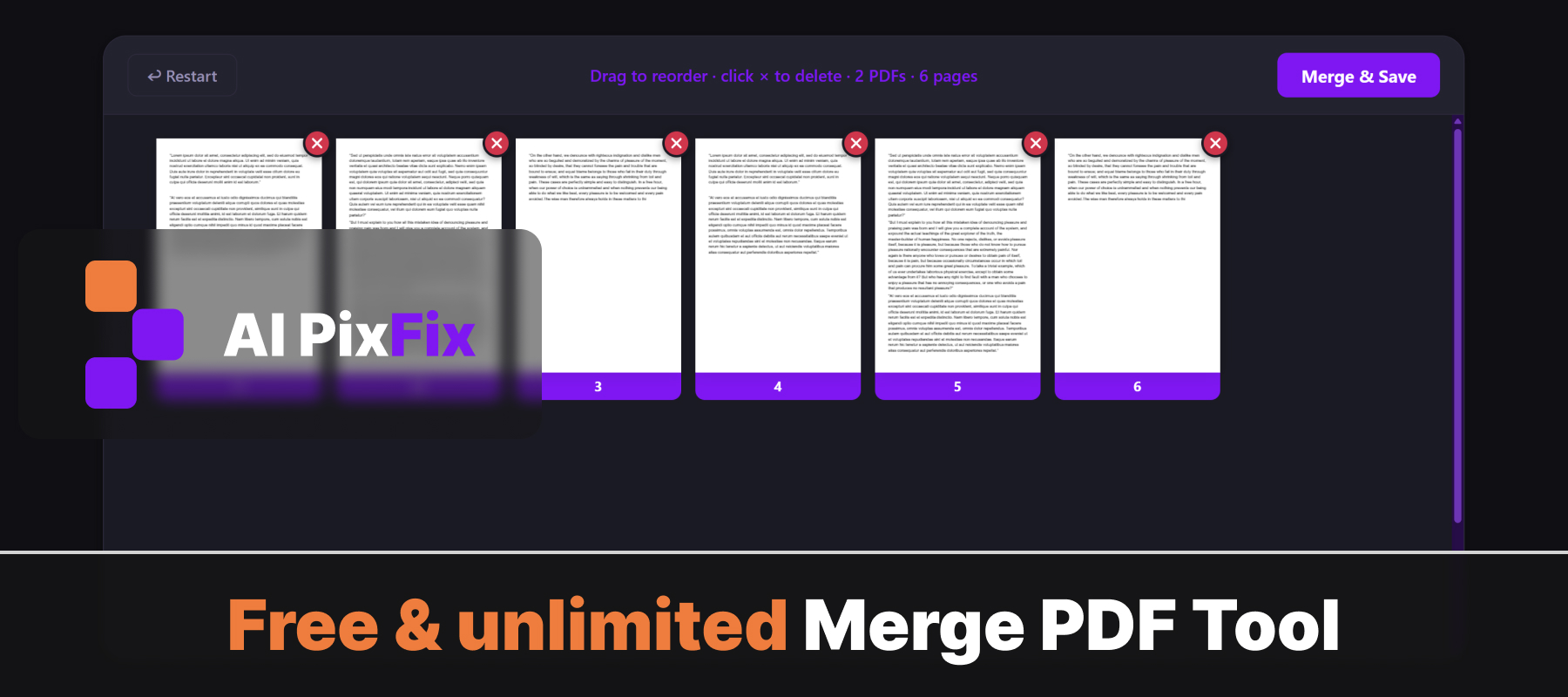
Most online PDF mergers force a trade-off: upload your files to a stranger's server, wait in a queue, watermark the output, or hide the feature behind a paid plan. Ours does none of that. Drop in at least two PDFs, all their pages appear in a single workspace, drag them into the order you want, click the red × on any you don't need, and save one clean merged PDF.
Everything happens inside your browser on your own device, so your files never get uploaded anywhere. That makes it safe for sensitive documents — contracts, bank statements, medical records, legal scans — where sending data to a third-party server isn't an option. No installation, no account, no daily limits.
Need the opposite workflow — grab pages from an auxiliary PDF into an existing one? Try our Add Pages to PDF tool. Want to drop or extract specific pages? Remove Pages and Extract Pages each cover that path.
How to use
- 1Upload your PDFs — Click the upload area or drag and drop two or more PDF files.
- 2Reorder if needed — Drag the file thumbnails to set the order they will appear in the merged PDF.
- 3Click Merge — Press the Merge button to combine all files into one PDF.
- 4Download — Click Download to save the merged PDF to your device.
Frequently Asked Questions
Is the PDF merger free?
Yes — merge unlimited PDFs, no account, no watermarks, no file-size caps.
Do my PDFs get uploaded?
No. Merging happens entirely in your browser using JavaScript. Your files never leave your device.
How many PDFs can I merge at once?
There is no limit. Add as many PDF files as you need and combine them in one step.
Can I reorder the PDFs before merging?
Yes. Drag and drop to reorder the files before clicking Merge.
What is the output file?
A single merged PDF containing all pages from all input files in the order you specified.