Compress PDF — free, unlimited, no sign-up
Most PDF compressors either watermark your file, cap you at a few free uses, or quietly upload your documents to a remote server. AI PixFix does none of that. Drop up to five PDFs at once, pick your compression level, and get smaller files — all processed locally in your browser, nothing ever leaves your device.
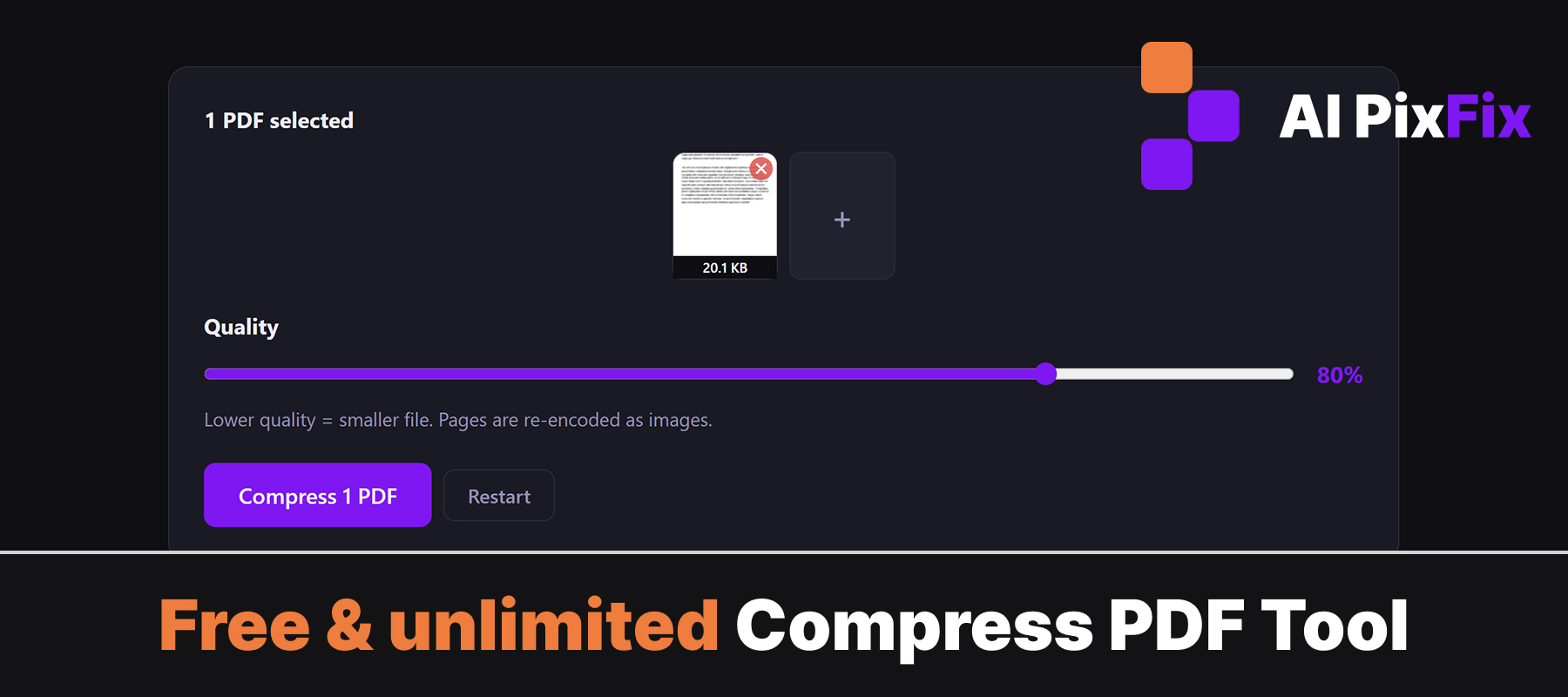
The tool targets redundant metadata, oversized embedded images, and duplicate font data — the parts that bloat a PDF without adding value. You keep the same text, layout, and visuals; you just lose the unnecessary weight. Great for email attachments, uploading to portals, or just keeping your storage tidy.
No account, no watermark, no file size limit hidden behind a paywall. Compress as many PDFs as you need, as often as you need — free.
How to use
- 1Upload your PDF — Click the upload area or drag and drop up to 5 PDF files onto the page.
- 2Choose a compression level — Select your preferred compression level — higher compression reduces size more but may affect image sharpness.
- 3Click Compress — Hit the Compress button. The tool processes your PDFs locally and shows the size reduction for each file.
- 4Download the smaller PDF — Click Download to save each compressed PDF to your device.
Frequently Asked Questions
Is PDF compression free?
Yes — completely free with no account required, no watermarks on the output, and no limit on how many PDFs you compress.
Does my PDF get uploaded to a server?
No. All compression runs locally in your browser. Your files never leave your device, keeping confidential documents safe.
How much smaller will my PDF get?
Results vary depending on the content. PDFs with many high-resolution images often shrink by 50–80%. Text-heavy PDFs see more modest reductions since text data is already efficient.
Does compression affect the visual quality?
The tool removes redundant metadata and downsizes oversized embedded images, which can slightly reduce sharpness on photo-heavy PDFs. Text and layout remain unchanged.
What is the maximum file size I can compress?
There is no enforced file size cap — the tool runs in your browser, so performance depends on your device. You can process up to 5 PDFs at once.