Resize image by pixels to specific size — free and in your browser
Upload a JPG, PNG, or WebP, type the exact width and height you need, and the tool will resize the image by pixels to the specific size you asked for. You can also pick a preset — 1080×1080, 1920×1080, or common social-media and thumbnail dimensions — in one click.
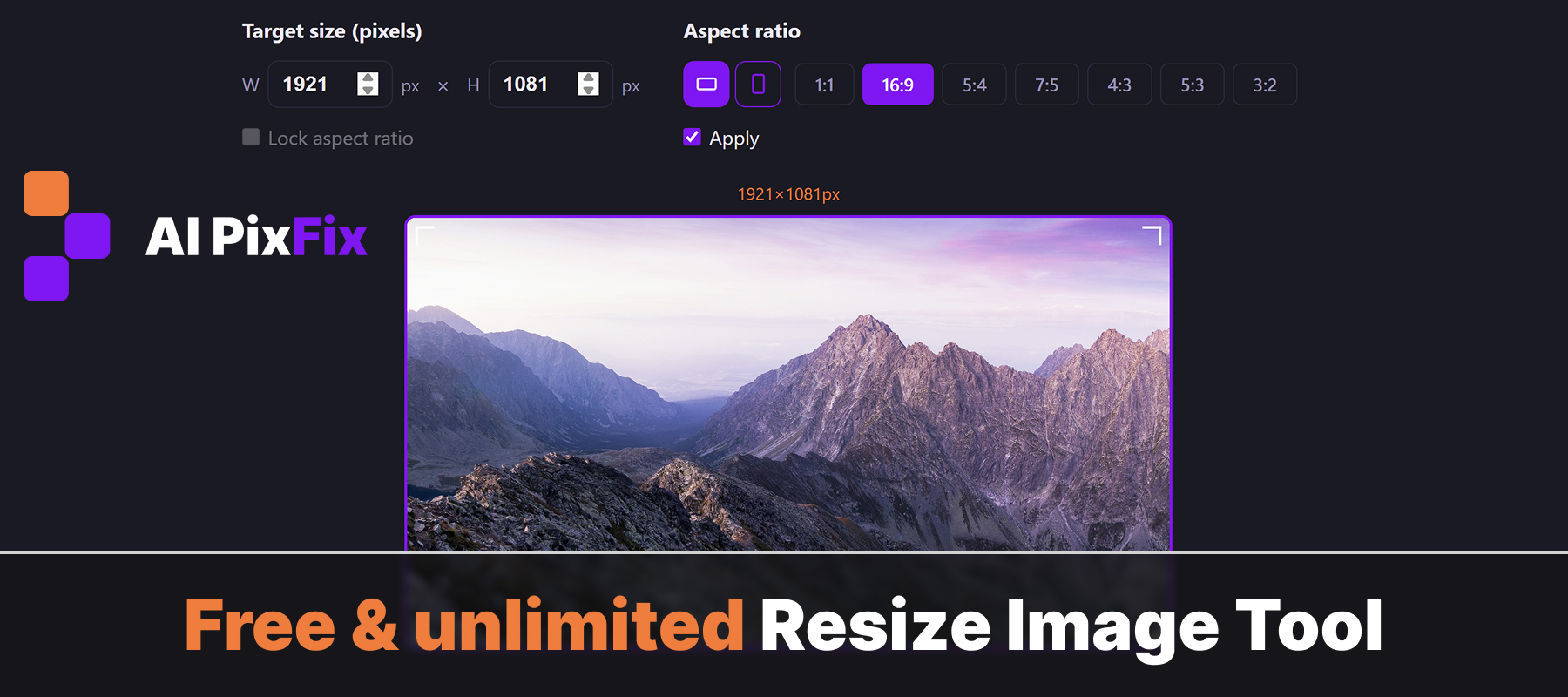
Keep the original aspect ratio locked, or uncheck it to stretch or squash the image to any target dimensions. Download the result as PNG, JPG, or WebP.
Everything runs locally — no upload, no sign-up, no watermark, no limit on how many images you resize.
How to use
- 1Upload your image — Click the upload area or drag and drop a JPG, PNG, or WebP image onto the page.
- 2Enter dimensions or pick a preset — Type an exact width and height in pixels, or choose a common preset like 1080×1080 or 1920×1080.
- 3Click Resize — Hit the Resize button. The tool processes the image instantly in your browser.
- 4Download the result — Choose your preferred output format (PNG, JPG, or WebP) and click Download to save the resized image.
Frequently Asked Questions
Is the image resizer free?
Yes — completely free, no account required, no watermarks added to your output, and no limit on how many images you resize.
Do my images get uploaded to a server?
No. All resizing happens locally in your browser using the Canvas API. Your images never leave your device.
Can I resize to exact pixel dimensions?
Yes. Type the exact width and height you need in pixels. You can lock the aspect ratio to avoid distortion, or unlock it to set any dimensions independently.
Will quality suffer when upscaling?
Upscaling beyond the original resolution will soften the image, as there is no new detail to add. For best results, resize to dimensions equal to or smaller than the original.
What output formats are supported?
You can download the resized image as PNG, JPG, or WebP. PNG preserves transparency, JPG gives smaller file sizes for photos, and WebP is the best modern web format.