Crop PDF pages — free, in your browser
Most PDF crop tools either watermark your file, cap the page count, or require you to upload sensitive documents to a third-party server. Ours does none of that. Drop your PDF, drag the crop handles to define the visible area, and save — all inside your own browser. No installation, no account, no daily limits.
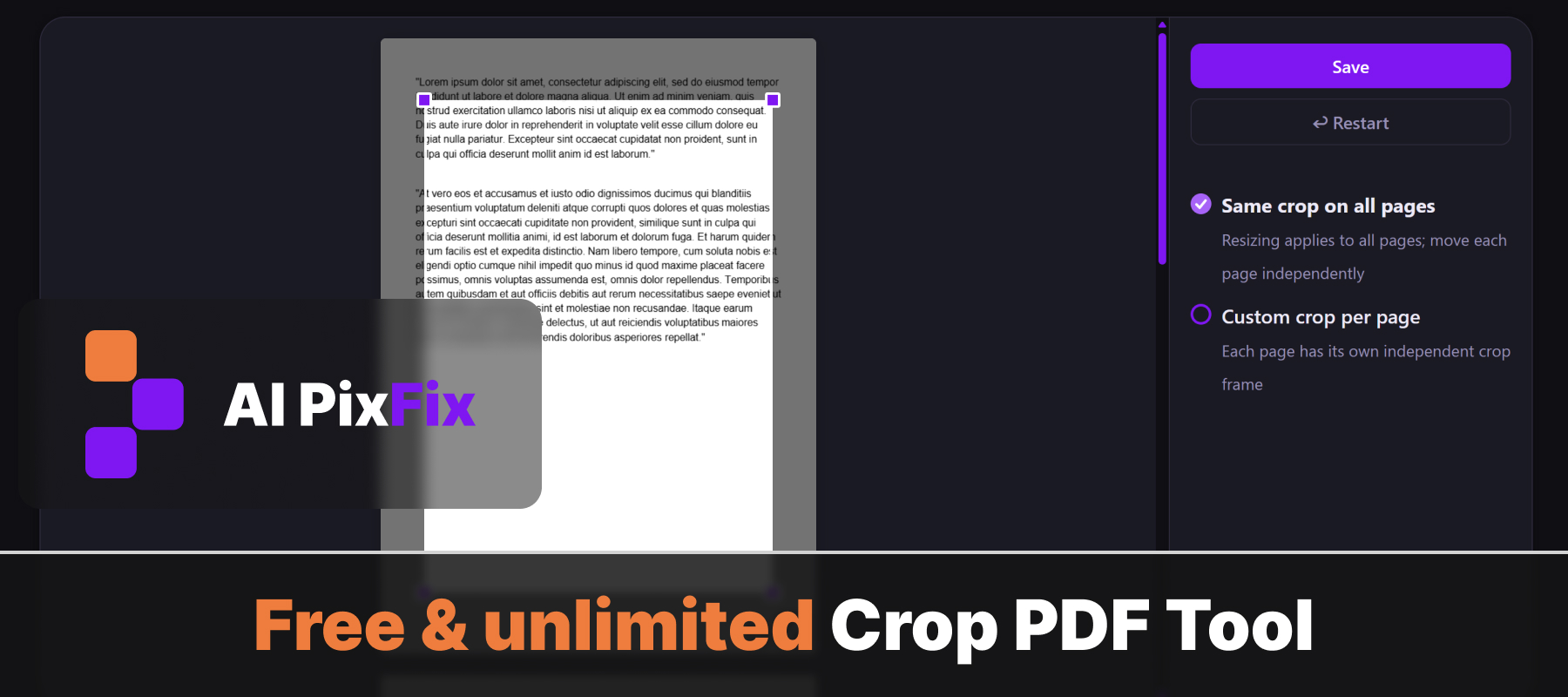
Use Uniform mode to apply the same crop frame to every page in one drag — great for removing identical margins from a scanned document. Switch to Individual mode when pages have different layouts and you need a separate crop area for each one.
Cropping sets the PDF CropBox, which tells viewers and printers which area to display. The underlying content outside the crop frame stays in the file but is hidden. If you also need to permanently remove pages, try Remove Pages. To shrink the file size, use Compress PDF.
How to use
- 1Upload PDF — Drag and drop your PDF file onto the upload area, or click to browse and select it from your device.
- 2Set crop frame — Drag the corner and side handles to define the crop area. In Uniform mode the frame applies to all pages at once.
- 3Switch to Individual mode if needed — Select Individual crop in the right panel to adjust the crop frame independently on each page.
- 4Save — Click Save to process and download the cropped PDF to your device.
Frequently Asked Questions
Is the PDF cropper free?
Yes — completely free, unlimited use, no sign-up required, and no watermarks are added to your file.
Are my files uploaded to a server?
No. Everything runs directly in your browser. Your PDF never leaves your device and is never sent to any server.
Can I crop each page differently?
Yes. Switch to Individual crop mode in the right panel, then drag the crop handles on each page to set a unique crop area per page.
What happens to the original content outside the crop area?
It is hidden by setting the PDF CropBox — the content outside the crop frame is not deleted from the file. Most PDF viewers and print/export operations will show only the cropped area, but some viewers may still allow access to the full page.
Does cropping change the file size?
Only slightly. The CropBox metadata is added to each page, but the hidden content outside the crop area remains in the file, so the file size stays nearly the same.
How many pages can I crop?
There is no limit on the number of pages or the number of files you can crop.