Free PDF reader — open PDF online, nothing uploaded
Sometimes all you need is to read a PDF — quickly, on any device, without installing Adobe Reader or trusting a sketchy upload site with your file. AI PixFix opens any PDF directly in your browser: drop the file in, scroll through the pages, zoom in for the fine print. That's it. The file stays on your device the entire time.
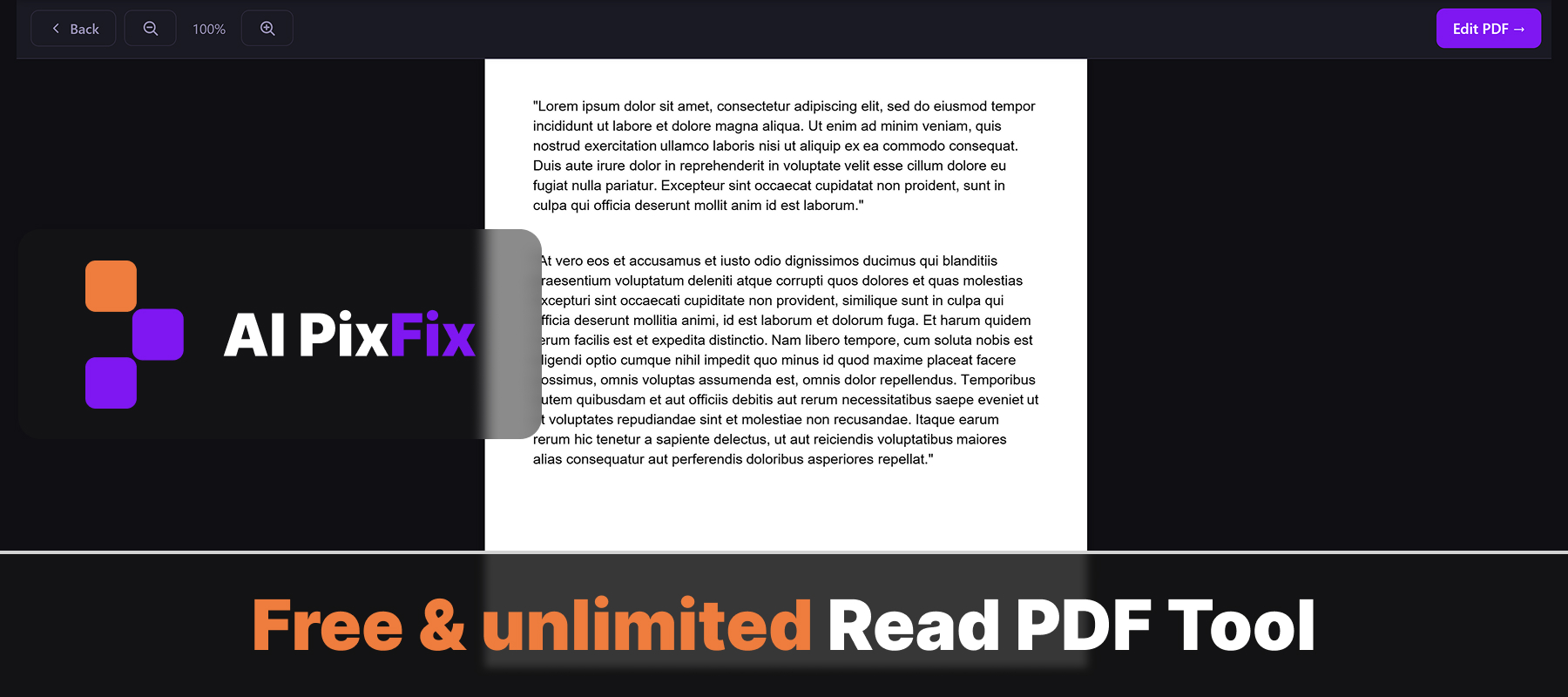
Because everything runs locally, the free PDF reader works on Windows, macOS, Linux, ChromeOS, and tablets without any installation or browser extension. There's no daily limit, no watermark overlaying your document, and nothing is sent to a server — your contracts, statements, and scans stay private.
Need to actually change something in the document after opening it? One click on the Edit PDF button in the top bar takes you to every other PDF tool we offer — merge, split, edit text, add watermarks, sign, compress, convert to and from PDF, and more — all free, all browser-only.
How to use
- 1Upload your PDF — Click the upload area or drag and drop your PDF file.
- 2Read — All pages render automatically. Scroll to navigate between them.
- 3Zoom — Use the + and − magnifier buttons in the top bar to zoom for better readability.
- 4Edit if needed — Click Edit PDF to open the full set of PDF tools — merge, split, sign, convert, and more.
Frequently Asked Questions
Is this PDF reader really free?
Yes — fully free, with no daily limits, no file-size caps, and no account required. Open as many PDFs as you want.
Do my files get uploaded to a server?
No. The PDF is read directly in your browser using JavaScript. Your file never leaves your device.
Can I open a password-protected PDF?
Password-protected PDFs cannot be opened directly. Unlock the file first with the Unlock PDF tool and then open it here.
Can I zoom in and out?
Yes. Use the + and − buttons in the top bar to zoom from 50% up to 300% — text stays sharp at every level.
Will the formatting of my PDF be preserved?
Yes. We render the PDF exactly as it was authored — fonts, images, layout, and page order are shown unchanged.
Can I edit a PDF here?
This tool is for reading only. To edit text, add pages, merge, split, or sign a PDF, click the Edit PDF button in the top bar — it opens all PDF tools.