Remove a PDF password — free, unlimited, no sign-up
Most online PDF unlockers force a trade-off: upload your file to a stranger's server, cap the number of pages, watermark your output, or hide the feature behind a paid plan. Ours does none of that. Drop one password-protected PDF, enter the password — save an unprotected copy you can open anywhere.
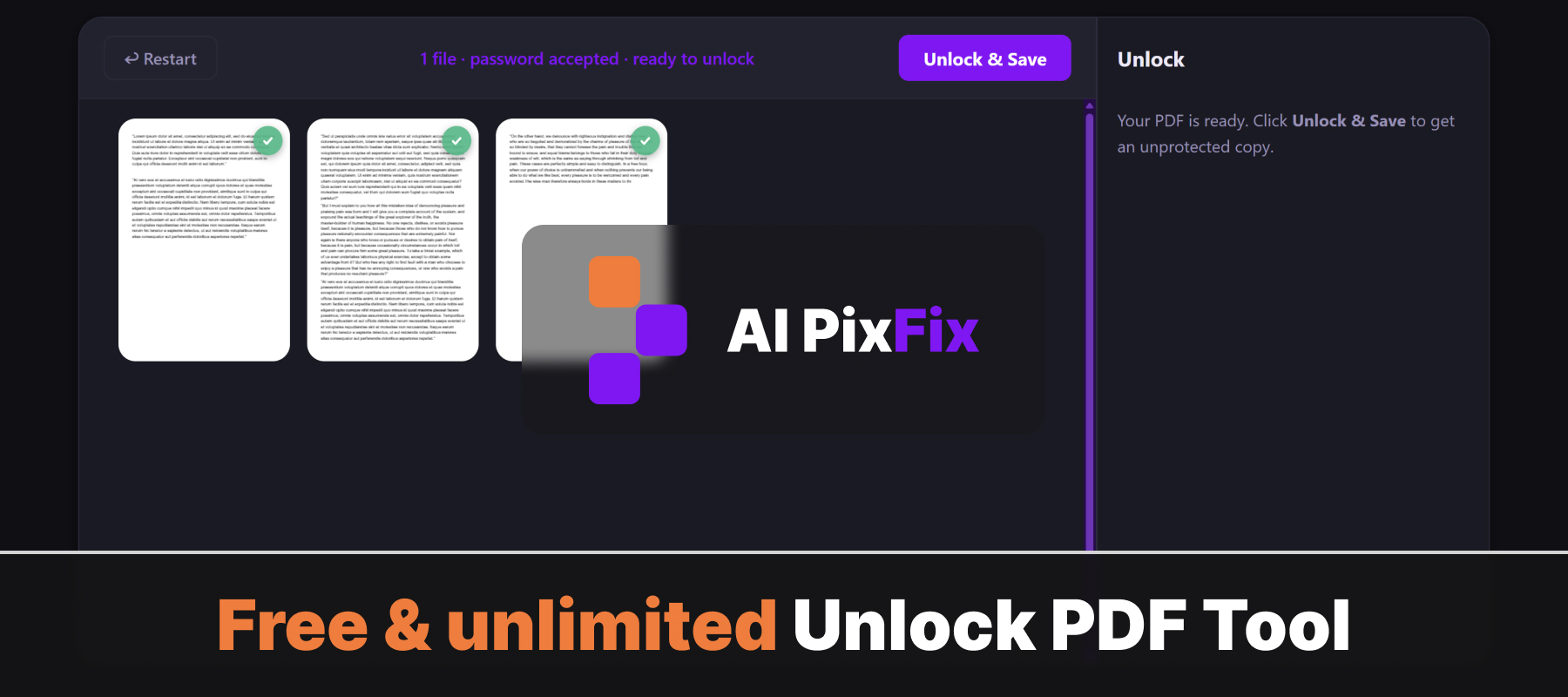
Everything happens in your browser. Your file and the password never leave your device — no server ever sees them. Safe for sensitive documents where a third-party service is not an option. No installation, no account, no daily limits.
You need to know the current password. We cannot guess or brute-force an unknown one — by design there is no backdoor.
How to use
- 1Upload your PDF — Click the upload area or drag and drop the password-protected PDF.
- 2Enter the password — Type the current password for the PDF.
- 3Click Unlock PDF — Press Unlock to remove the password protection from the file.
- 4Download — Download the unlocked PDF. It can now be opened without a password.
Frequently Asked Questions
Is the PDF unlocker free?
Yes — free, no account, no watermarks.
Do my files get uploaded?
No. Unlocking happens entirely in your browser. Your PDF never leaves your device.
Can I unlock any PDF?
Only PDFs where you know the password. Enter the correct password and the tool removes the protection from the file.
What if I forgot the password?
This tool cannot bypass or crack passwords. You must know the password to unlock the PDF.
What is the output?
A new PDF file with the password protection removed. You can open and edit it freely.