A free ASCII picture generator that runs in your browser
Drop in a photo and this ASCII picture generator rebuilds it out of text characters on a clean grid. A single slider controls how many characters wide the picture is, so you can go from a chunky, retro look to a fine, detailed portrait — the result regenerates as you drag.
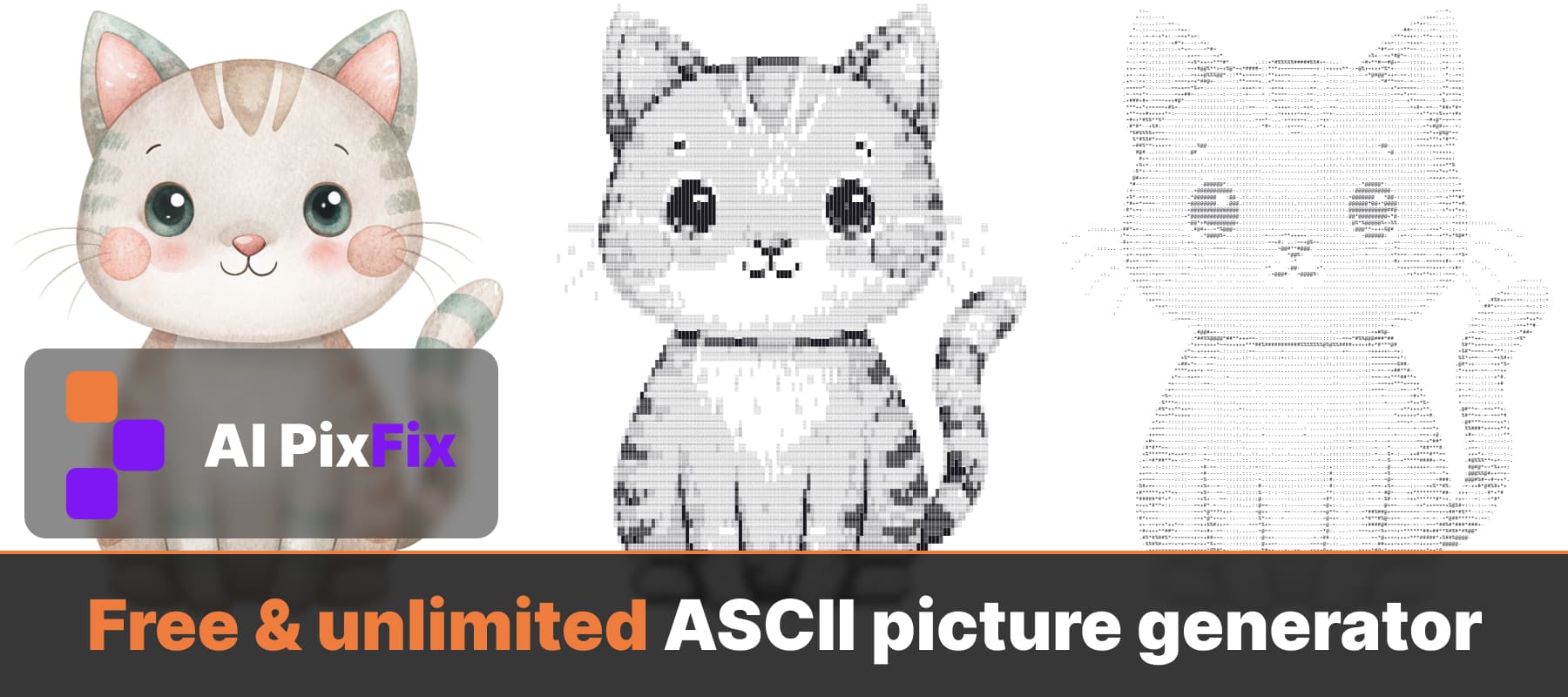
The image to ASCII conversion happens entirely on your device. Pick a character set — Standard, Letters or solid block characters — and switch between a light and dark background to match where you will use the art.
When you are happy, download the ASCII art as a plain text file to paste into code comments, READMEs or chats — the kind of notepad art people use to decorate plain-text files — or set an export size and save it as a PNG image. Everything runs locally: nothing is uploaded, nothing is stored, and the image to ASCII tool is free to use as many times as you want, with no sign-up and no watermark.
How to use
- 1Upload an image — Drop a single PNG, JPG, WebP, AVIF or HEIC image to open the editor.
- 2Adjust the detail — Use the slider to set how many characters wide the picture is, and pick a character set that suits the look you want.
- 3Tune the style — Switch between a light and dark background to match where you'll use the art.
- 4Download — Save the ASCII art as a text file, or set an export size and download it as a PNG image.
Frequently Asked Questions
Is the ASCII picture generator free?
Yes — every conversion and download is free. No account, no daily cap, and no watermark on the result.
Do my images get uploaded to a server?
No. The image to ASCII conversion runs entirely in your browser. Your photo never leaves your device.
What input formats are supported?
PNG, JPG, WebP, AVIF and HEIC. Drop a single image and the editor opens.
Can I download the result as text and as an image?
Yes. You can download the ASCII art as a plain .txt file to paste into code or chats, or as a PNG image at the size you choose.
How do I control the level of detail?
A slider sets the width in characters — more characters means a finer, more detailed picture. You can also switch character sets and toggle between a light and dark background.