Extract pages from PDF — free, unlimited, no sign-up
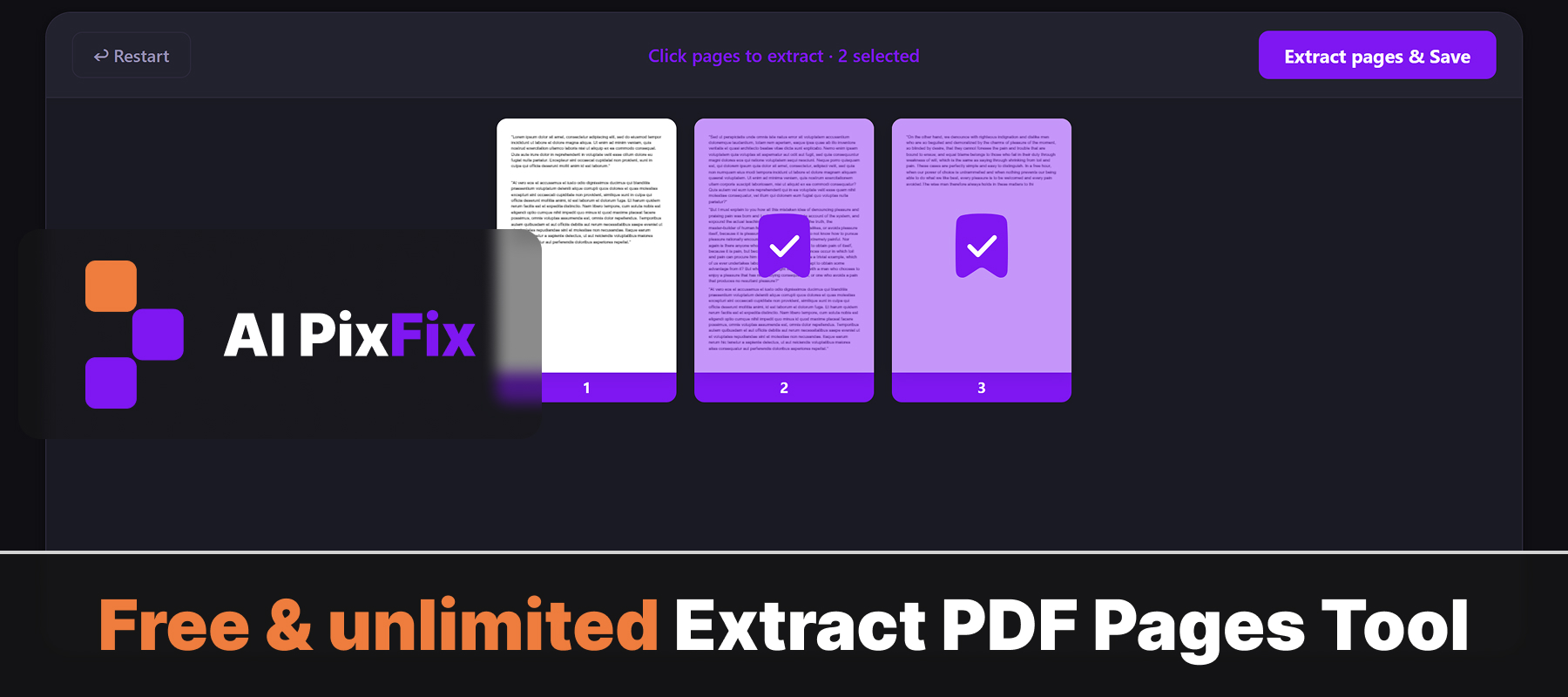
Most PDF page extractors force you to type page ranges like "1,3,5-8" into a box, watermark the result, or make you wait in a queue. Ours is visual and instant — drop your PDF in, click the pages you want to keep, and download either a single merged PDF or each selected page as its own file. No sign-up, no watermarks, no daily limits.
Everything happens in your browser on your own device, so your document never leaves your computer. That makes it safe for confidential material — reports, receipts, medical records, contracts — where uploading to a random server isn't an option.
Need the opposite — throw away only a few pages and keep the rest? Use our Remove Pages from PDF tool instead.
How to use
- 1Upload your PDF — Click the upload area or drag and drop your PDF file onto the page.
- 2Select pages to extract — Click the thumbnails of the pages you want to keep. Selected pages are highlighted.
- 3Click Extract — Hit the Extract button. The tool builds a new PDF from your selected pages instantly in your browser.
- 4Download the new PDF — Click Download to save the extracted pages as a new PDF file to your device.
Frequently Asked Questions
Is extracting pages from a PDF free?
Yes — completely free with no account required, no watermarks, and no limit on how many PDFs you process.
Does my PDF get uploaded to a server?
No. All processing happens locally in your browser. Your PDF never leaves your device, keeping sensitive documents fully private.
Can I extract multiple pages at once?
Yes. Click to select as many pages as you want. You can then download them all merged into a single new PDF, or each page as its own separate file.
What format is the output?
The extracted pages are saved as a PDF file. If you select multiple pages, they are combined into one PDF in the order you selected them.
Is there a file size limit?
There is no enforced file size limit — the tool runs in your browser, so performance depends on your device. Most PDFs up to several hundred megabytes work fine.