Crop image online — free, instant, and private
Use this free tool to crop image files directly in your browser — no upload, no account, no watermark. Choose free crop to draw any selection, pick an exact pixel size, or lock one of 10 popular aspect ratios like 1:1, 16:9, or 4:5 for social media.
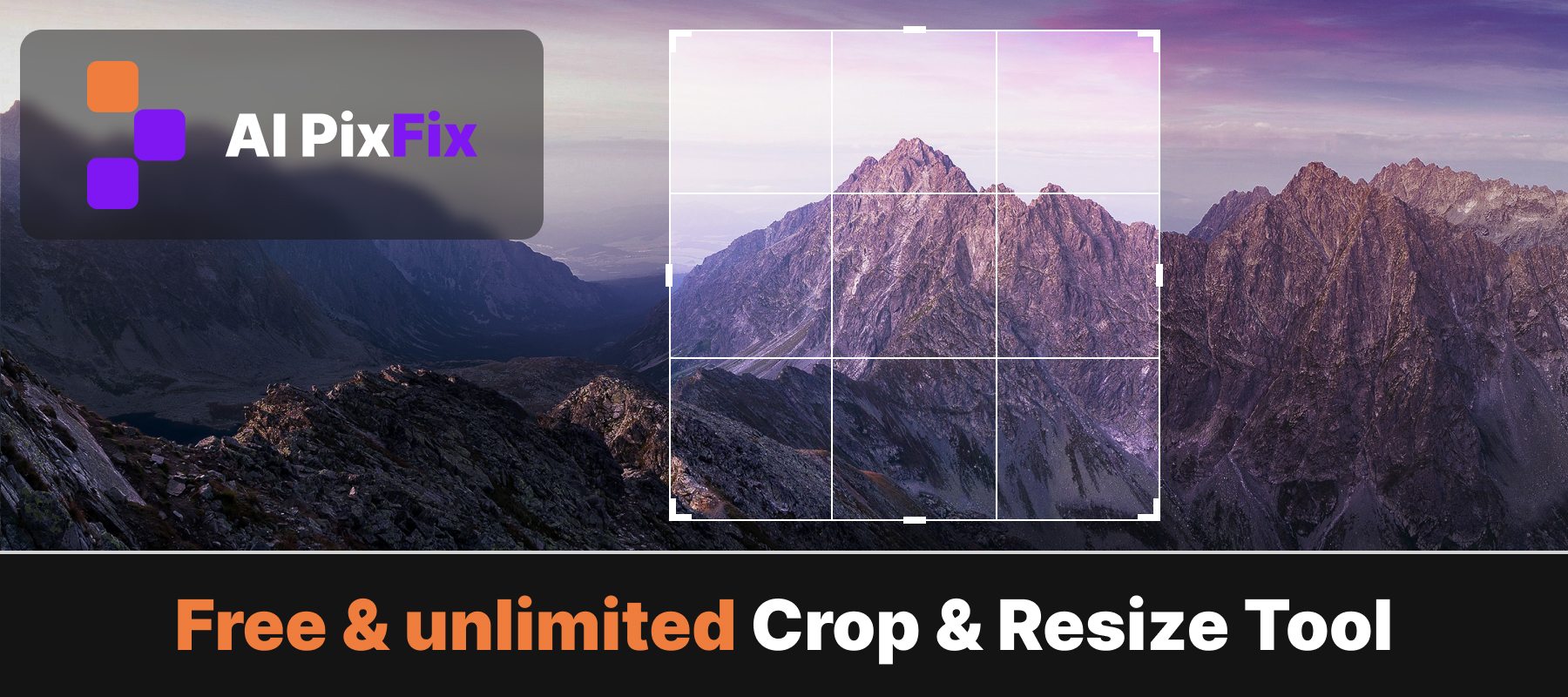
Every image is processed locally on your device. Nothing is sent to any server, so your photos stay 100% private.
How to use
- 1Upload your image — Click the upload area or drag and drop a JPG, PNG, or WebP image onto the page.
- 2Select a crop area — Draw a crop selection by clicking and dragging, or choose an aspect ratio preset like 1:1 or 16:9.
- 3Adjust the handles — Drag the corner and edge handles to fine-tune the crop area, or enter exact pixel dimensions.
- 4Download the cropped image — Click Download to save the cropped result to your device.
Frequently Asked Questions
Is this image cropper free?
Yes — completely free with no account required, no watermarks, and no limit on how many images you crop.
Do my images get uploaded to a server?
No. Cropping runs entirely in your browser. Your photos never leave your device, keeping them 100% private.
Can I crop to exact pixel dimensions?
Yes. Switch to the exact-size mode and enter the precise width and height in pixels. The selection snaps to those dimensions automatically.
What format does the cropped image download as?
The cropped image downloads in the same format as the original — JPG, PNG, or WebP — preserving the color profile and transparency where applicable.
Is image quality preserved after cropping?
Yes. Cropping is a lossless operation on the pixel level — it simply removes the areas outside your selection without recompressing the image data.