Remove pages from PDF — free, unlimited, no sign-up
Most online tools that let you delete pages from a PDF will throw a watermark on the output, cap you at a few files per day, or ask you to sign up before you can download. Ours does none of that. Drop a PDF in, click the pages you want gone, and download the cleaned-up file instantly — the original page order of everything you keep is preserved exactly.
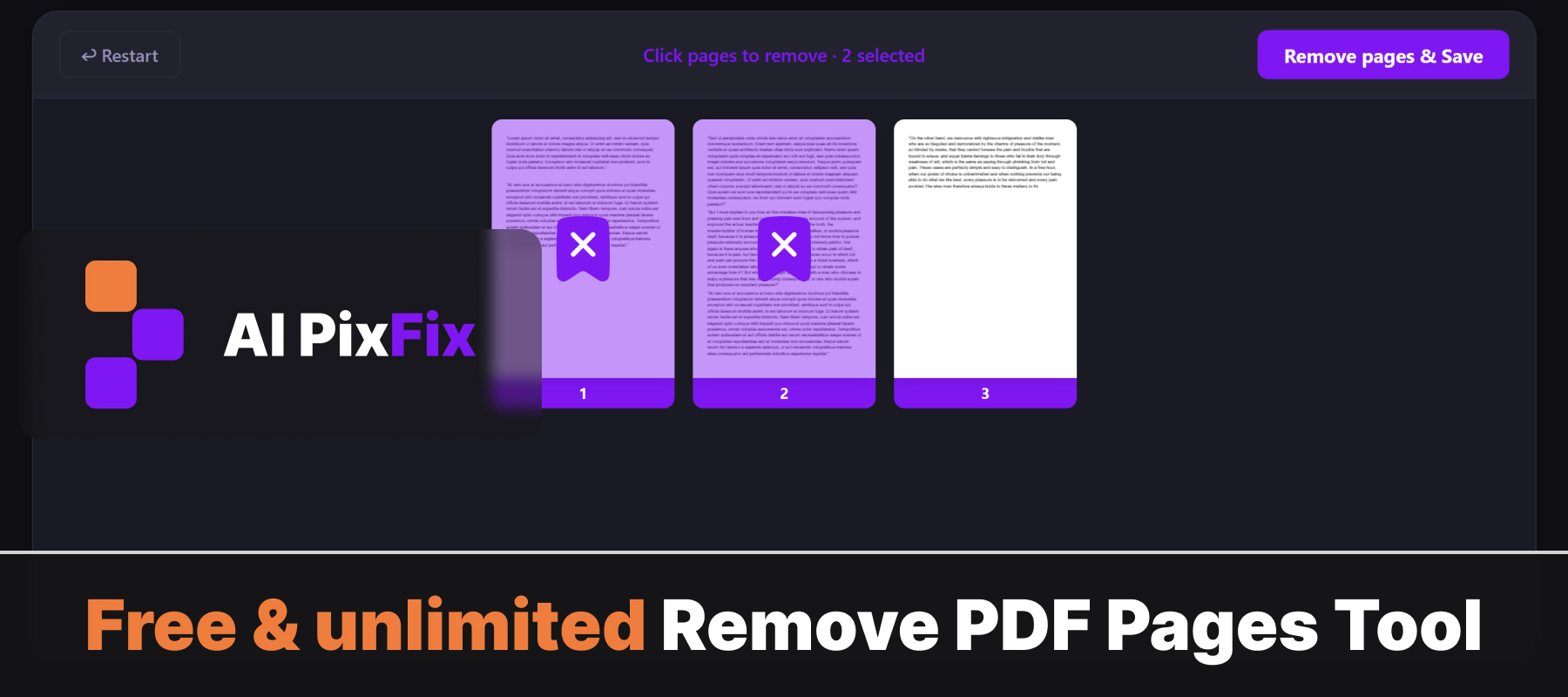
The whole thing runs inside your browser using your own device. Your PDF is never uploaded to a server, so sensitive documents — contracts, bank statements, invoices, scans — stay completely private. Works on any device with a modern browser, no installation required.
Need to go the other way and keep only specific pages? Try our Extract Pages from PDF tool — same clean workflow, opposite result.
How to use
- 1Upload your PDF — Click the upload area or drag and drop the PDF you want to edit.
- 2Select pages to remove — Click the thumbnail of each page you want to delete. Selected pages are highlighted.
- 3Click Remove — Press the Remove button to delete the selected pages from the document.
- 4Download — Click Download to save the updated PDF with the selected pages removed.
Frequently Asked Questions
Is this tool free?
Yes — free, no account, no watermarks, no file-size limits.
Do my files get uploaded?
No. Page removal happens entirely in your browser. Your PDF never leaves your device.
Can I remove multiple pages at once?
Yes. Select any combination of pages and remove them all in one step.
Can I preview the PDF before removing pages?
Yes. Each page is shown as a thumbnail so you can confirm which ones to remove before downloading.
What is the output?
A new PDF with the selected pages removed, all other pages and content unchanged.