Professional B&W filters — free, in your browser
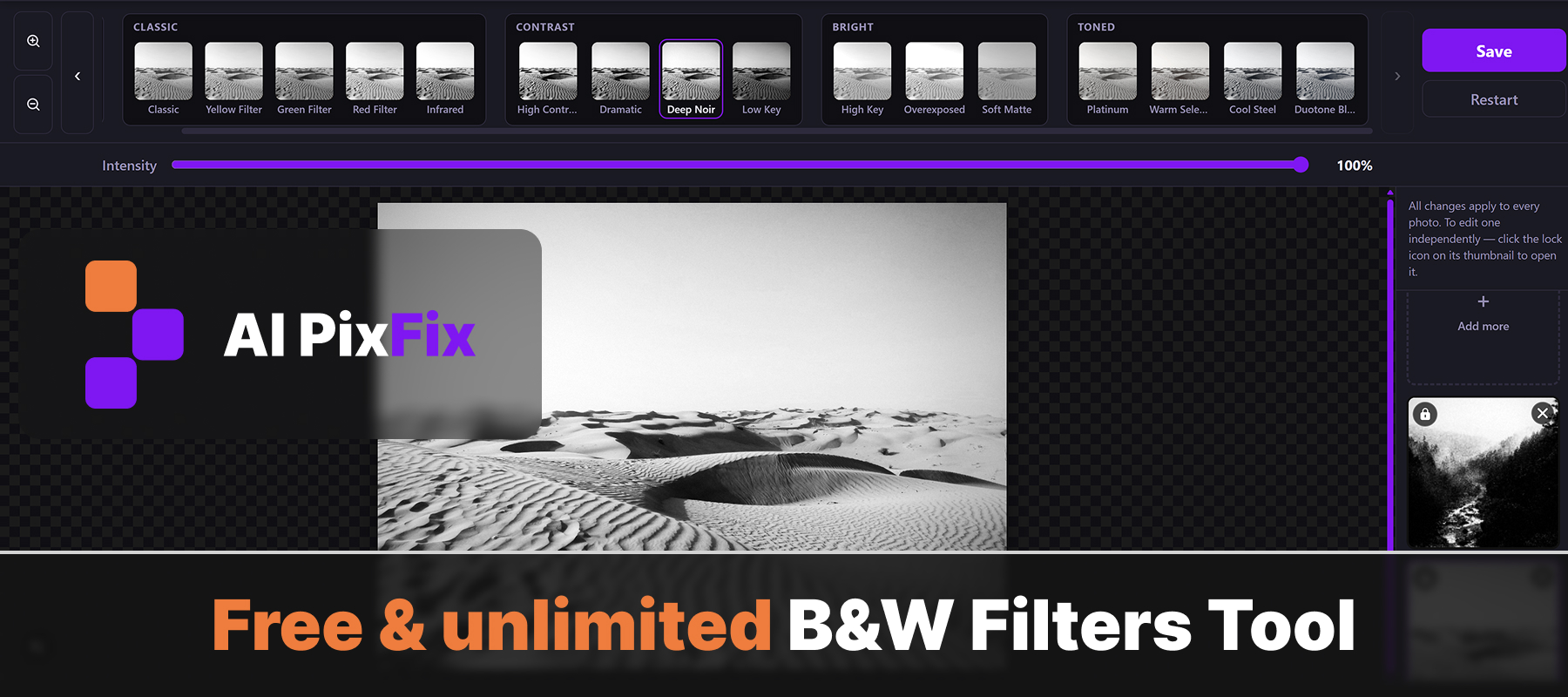
Black and white filters for any color photo — one click, no Photoshop, no account, nothing to install. Pick a filter from the toolbar, adjust the intensity slider until it looks right, and download at full original resolution. No watermark, no quality loss, no file size limit.
Each of the black and white filters uses a different channel mix — the same technique used in darkroom and Lightroom presets. The result goes far beyond simple desaturation. Skies get darker, skin tones shift, foliage reacts differently depending on which filter you choose. That's what makes the difference between a flat grey image and one that actually looks like it was shot on film.
Batch up to 10 photos at once. Apply black and white filters to the whole set in one go — useful when you need a consistent look across a series. Or unlock any individual photo and give it its own filter and intensity independently of the rest.
Everything runs locally in your browser — nothing is uploaded to a server, nothing is stored. Close the tab and it's gone. Free and unlimited, no sign-up required.
How to use
- 1Upload photos — Drop up to 10 JPG, PNG or WebP photos into the upload zone.
- 2Pick a B&W filter — Browse Classic, Contrast, Bright and Toned filters in the top toolbar.
- 3Adjust intensity — Use the slider to blend the filter from 0% (color) to 100% (full B&W).
- 4Save — Click Save — each photo is exported at full original resolution, no archive.
Frequently Asked Questions
Are the B&W filters free?
Yes — every filter is completely free with no account, no daily limit, and no watermark on the saved photo.
Do my photos get uploaded to a server?
No. Everything runs locally in your browser. Your photos never leave your device and are never sent to any server.
How many photos can I convert at once?
Up to 10 photos per session. By default the same filter is applied to all of them — you can unlock individual photos to give each its own look.
What is the difference between the B&W presets?
Each preset uses a different channel mix and tone curve. Red Filter brightens skin and darkens skies; Infrared makes foliage glow; High Contrast gives punchy blacks and bright whites; Low Key keeps the frame dark and moody; Platinum adds a warm antique tone to highlights.
Can I control how strong the black and white effect is?
Yes. The intensity slider lets you blend from 0% (fully original color) to 100% (full B&W effect). Any value in between gives a partial desaturation look.
What input formats are supported?
JPG, PNG and WebP. Output is saved as JPG for photos and PNG when the source is PNG (to preserve transparency).
Can I apply different filters to different photos in one batch?
Yes. Click the lock icon on a thumbnail to unlock it — that photo will then keep its own filter and intensity, independent of the others.