Number PDF pages — free, unlimited, no sign-up
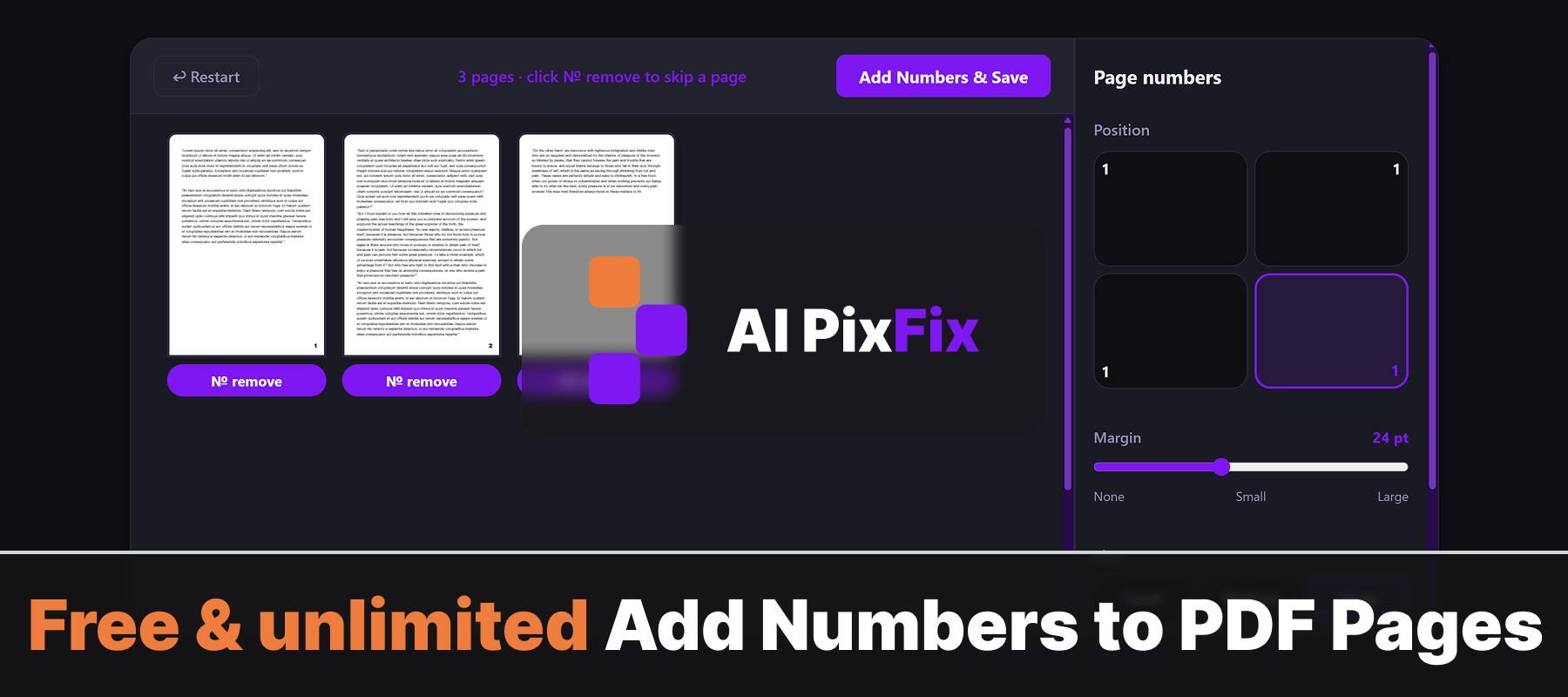
Most online PDF tools force a trade-off: upload your document to a stranger's server, cap the number of pages, watermark the result, or hide real controls behind a paid plan. Ours does none of that. Drop one PDF, pick which corner to put the number, adjust the margin, choose between small / medium / large sizes, three font weights and any color — and save a numbered copy.
Everything happens inside your browser on your own device, so your file never gets uploaded anywhere. Safe for sensitive documents — contracts, scans, statements, medical records — where sending data to a third-party server is not an option. No installation, no account, no daily limits.
Each page preview shows a live preview of the number placement. Click № remove below any preview to skip that specific page — the numbering on remaining pages stays tied to the original page index, so page 3 still reads "3" even if page 1 is skipped.
How to use
- 1Upload your PDF — Click the upload area or drag and drop your PDF file onto the page.
- 2Choose position and format — Select which corner to place the numbers, adjust the margin, and set the font size, weight, and color.
- 3Skip pages you don't want numbered — Click № remove below any page preview to skip numbering on that page.
- 4Download the numbered PDF — Click Download to save the PDF with page numbers to your device.
Frequently Asked Questions
Is adding page numbers to a PDF free?
Yes — completely free with no account required, no watermarks, and no limit on how many PDFs you number.
Does my PDF get uploaded to a server?
No. All processing runs locally in your browser. Your file never leaves your device, keeping sensitive documents private.
Can I choose the position — header or footer?
Yes. You can place the page number in any of the four corners and adjust the margin from the edge.
Can I skip certain pages?
Yes. Click the № remove button under any page preview to skip numbering on that page — useful for cover pages or section dividers.
Are there font and size options?
Yes. You can choose from small, medium, or large font sizes, three font weights (thin, normal, bold), and any color using the color picker.