Add background to image — free and in your browser
Drop up to five transparent PNG objects on the left, drop the new backdrop on the right, and the tool will let you add background to image in a single frame — move each subject, resize it, rotate it, and tune colours to make everything match.
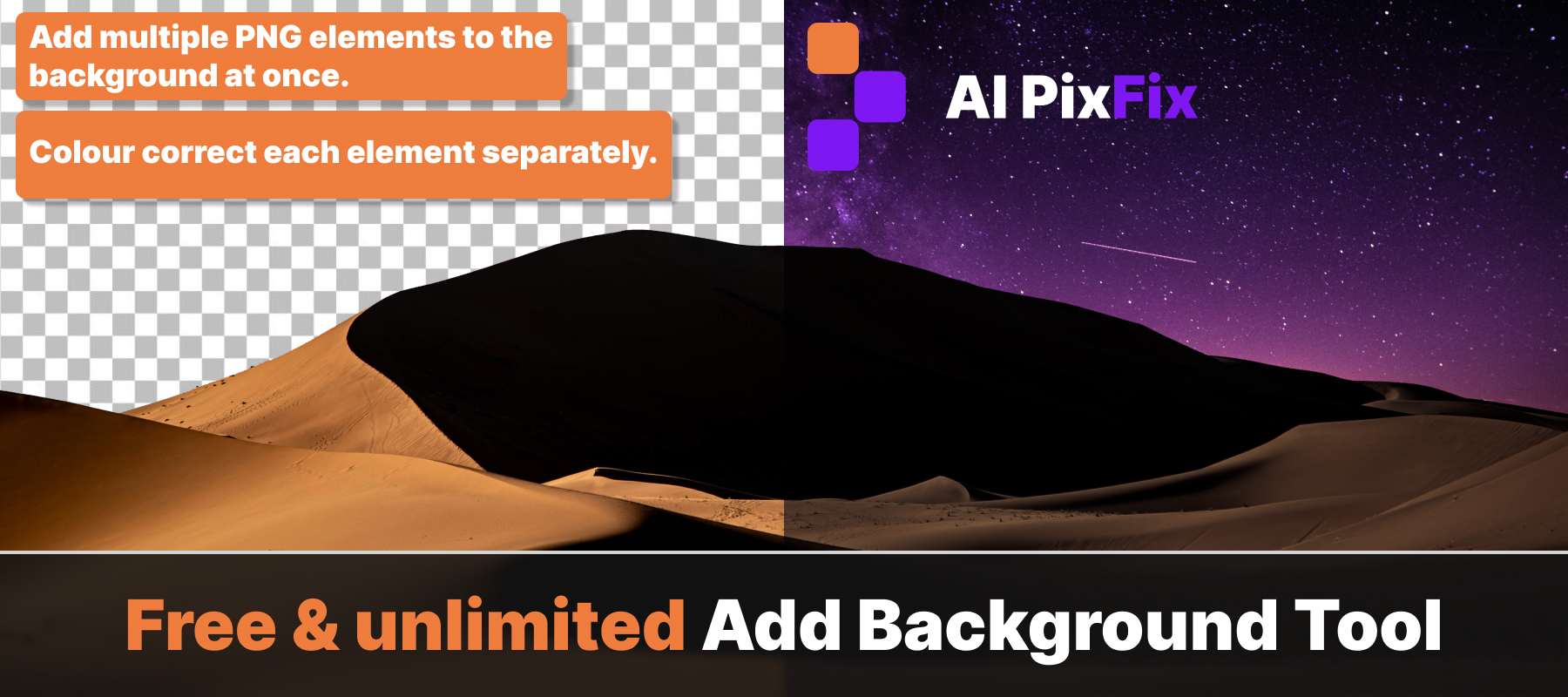
Brightness, contrast, saturation, hue, and temperature are adjustable per layer, so your subject stops looking pasted on and starts looking like it belongs. Download as PNG or JPG when you're happy.
Everything runs locally — nothing is uploaded, nothing is stored. Free to add background to image files as many times as you need, with no sign-up and no watermark.
How to use
- 1Upload your image — Click the upload area or drag and drop an image — works best with a transparent PNG.
- 2Choose a background — Select a solid color, a gradient preset, or upload your own background image.
- 3Adjust the fit — Resize or reposition the foreground image over the new background.
- 4Download — Click Download to save the result as a JPG or PNG.
Frequently Asked Questions
Is the Add Background tool free?
Yes — completely free, no account required, no watermarks.
Do my images get uploaded?
No. Everything runs locally in your browser. Your images are never sent to any server.
What can I use as a background?
You can use a solid color, a gradient, or upload your own image as the background.
What input formats are supported?
JPG, PNG, and WEBP are supported. The tool works best with images that already have a transparent background (PNG with alpha).
Can I use this after removing a background?
Yes. Remove the background first using the Remove Background tool, then open Add Background to place it on any new background.