Edit PDF text — free, no upload
Open any PDF, click a word or sentence, and type your changes. The original page layout stays intact — images, shapes and formatting are preserved. Only the text you edit changes.
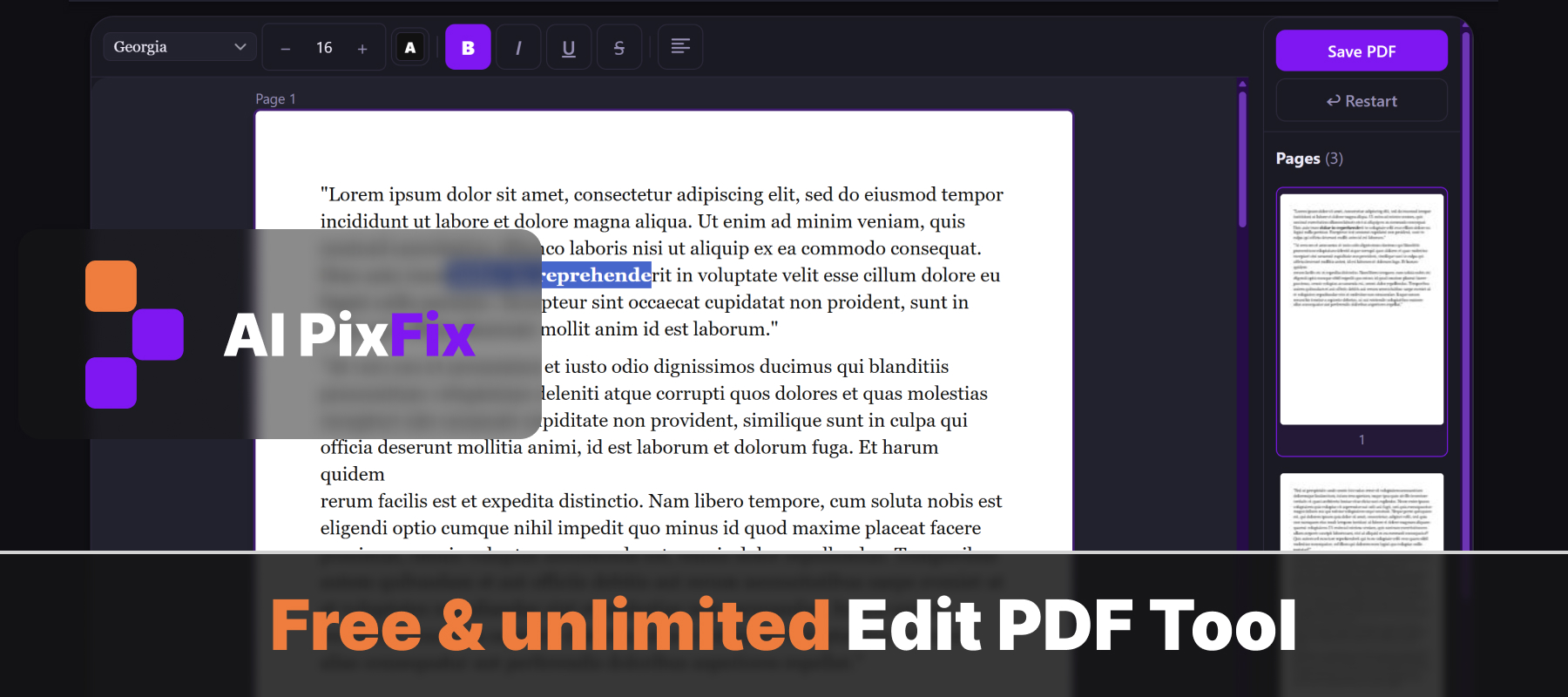
When you save, the result is a proper PDF with real, selectable text — not a scanned image. Everything runs locally in your browser: your document never leaves your device.
No installation, no account, no daily limits — edit as many PDFs as you need.
How to use
- 1Upload your PDF — Click the upload area or drag and drop the PDF you want to edit.
- 2Click on text to edit — Click any text block in the PDF preview to select it and start typing.
- 3Adjust formatting — Change the font, size, or color of the selected text using the toolbar.
- 4Download — Click Download to save the edited PDF to your device.
Frequently Asked Questions
Is the PDF text editor free?
Yes — free, unlimited, no account, no watermarks.
Do my files get uploaded?
No. Editing happens entirely in your browser. Your PDF never leaves your device.
Can I edit text in any PDF?
The tool works best with text-based PDFs. Scanned PDFs (images of pages) cannot have their text edited directly.
Do I need to convert to Word first?
No. You can click directly on the text inside the PDF and edit it without any conversion step.
Can I change font and size?
Yes. Select a text block and adjust the font family, size, and color from the toolbar.