May 2, 2026 · Meme Generator
How to Make a Meme Without Watermark — Free Online
Most free meme tools attach a condition to “free.” Some stamp their domain name across the finished image. Some cap your daily output or require a sign-up before you can export. A free meme maker without watermark changes all of that: 1,764 meme templates, unlimited exports, no account required, and nothing added to your image. Whether you want to make it meme-ready in seconds or fine-tune every caption layer, the meme creator handles both. This guide covers what the editor can do and how every feature works.
Why most free meme tools stamp a watermark on your image
Watermarks on free meme tools are a business model, not an accident. The tool runs on servers, servers cost money, and the watermark is the free-tier advertisement. Imgflip — one of the most widely used meme sites — adds an “imgflip.com” tag to images created on the free plan; their Pro subscription removes it. Kapwing's free tier exports with a watermark by default, as stated on their pricing page.
Browser-based tools change the equation. When the editor runs entirely in your browser — no file uploaded, no server doing the work — there is no per-image processing cost to offset. The meme creator here uses your device's own compute, so there is nothing to meter and nothing to stamp. The no-watermark result is a consequence of the architecture, not a promotional promise with an expiry date.
1,764 meme templates — and your own photo works too
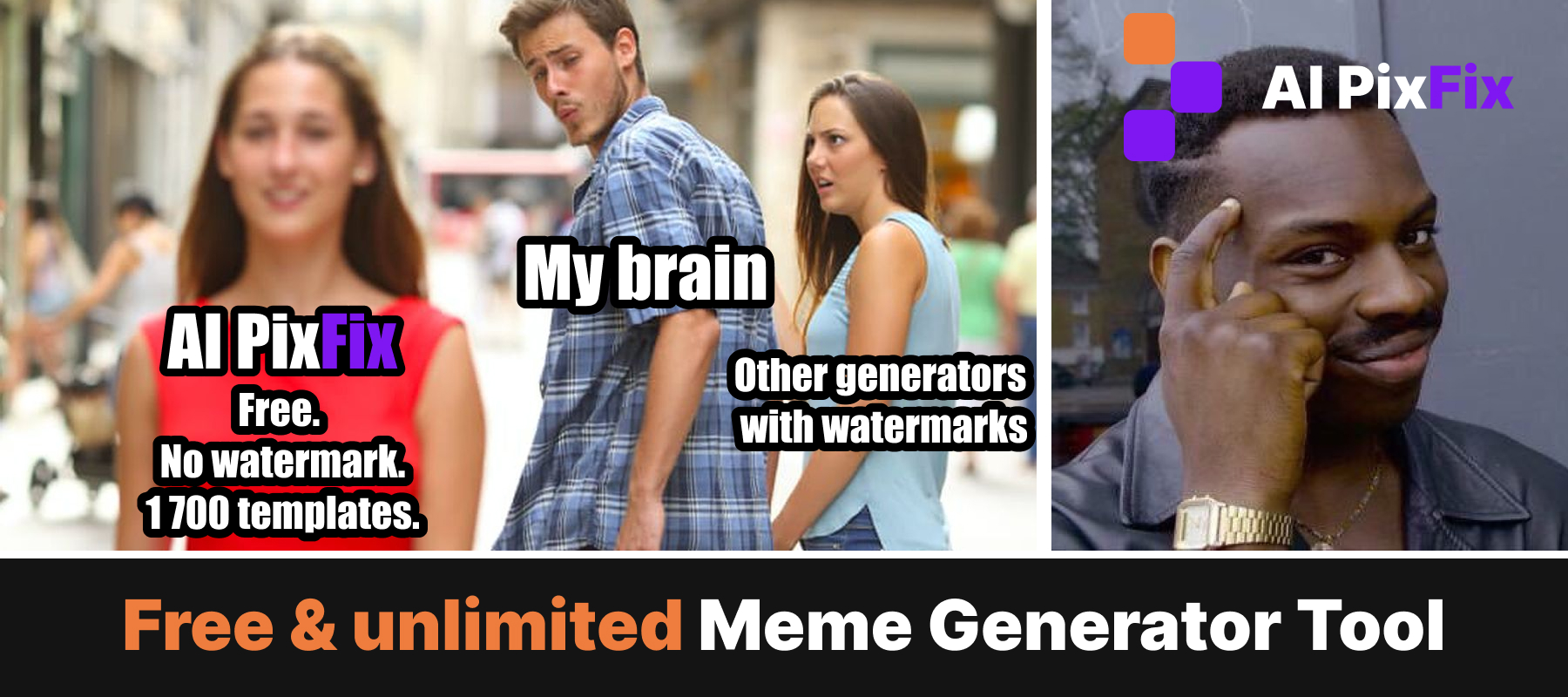
The meme templates library covers 1,764 formats — from classic Impact-cap memes like Drake Pointing, Distracted Boyfriend, and Two Buttons to UNO Draw 25, Gru's Plan, This Is Fine, and hundreds of newer reaction images that cycle through social feeds. A search box filters by name as you type, and templates load in batches of 240 so the picker stays fast even with the full library open.
If the format you need isn't in the library, upload any JPG, PNG, or WebP from your device. The meme generator opens the editor the same way whether you start from a template or your own photo — image loaded, toolbox ready, no extra configuration.
How to make a meme without watermark in four steps
Pick a template or upload your photo
Browse or search the 1,764 meme templates — no account needed to start. Or click Upload your image to load your own JPG, PNG, or WebP directly into the editor.
Add a text layer
Click anywhere on the canvas to place a text block. Type your caption, then set font, size, color, and stroke in the floating toolbar that appears beside the layer.
Position, layer, and adjust
Drag text blocks anywhere on the image. Add more layers for top-and-bottom captions, drop a second image on top as a sticker, or extend the canvas with a solid-color padding bar above or below the photo — useful for the classic white-bar layout.
Save and download
Click Save. The meme exports at the full original template resolution — no watermark, no compression, ready to post anywhere.
Every text tool in the editor
Text in a meme does two things: land the joke and stay readable on any background. The floating controls toolbar appears whenever a text layer is selected:
Impact by default — the typeface most associated with classic meme captions — plus additional font options.
Scale from a small subtext line to a headline that fills the frame. The text box auto-wraps as you type.
Standard weight and style controls applied per layer, independently of other text layers.
Full color picker with hex input. Each text layer has its own color setting.
Separate color and thickness for the outline. White text with a black stroke stays readable on any background without a semi-transparent bar behind it.
Left, center, or right per layer.
Free rotation via the handle at the top of the selected layer. Drag anywhere on the canvas to position.
Add as many text blocks as the meme needs. Each is independent — different font, size, color, rotation, or angle.
Beyond text, you can drop a second image file on top of the meme as a sticker, or extend the canvas with a solid-color bar above or below the photo for the traditional two-line format. When you click Save, all layers are composited via the browser's Canvas API and flattened to a lossless PNG at the original template resolution — nothing re-encoded, no quality lost.
How the main free meme makers compare
Across the commonly used free meme tools, two factors vary the most: whether the free plan adds a watermark to exports, and how large the template library is.
| Tool | Free | Watermark on free plan | Templates |
|---|---|---|---|
| AI PixFix | Yes | None | 1,764 |
| Imgflip | Yes | Yes — adds “imgflip.com” | 1,000,000+ |
| Kapwing | Yes | Yes — free exports include watermark | Not specified |
| iLoveIMG | Yes | None | 28 |
Imgflip has the largest template collection by a significant margin, but the free plan stamps “imgflip.com” on every export — their paid plan removes it. iLoveIMG is watermark-free but limited to 28 templates. Kapwing is a broader video and image editor; its free tier exports include a watermark. If you want no watermark and a library large enough to cover any format, the meme maker free on AI PixFix is the straightforward option.
Frequently asked questions
Is this meme maker really free with no watermark?
Yes — every feature is free and nothing is added to your finished image. No subscription, no account, and no branding stamp. The tool runs entirely in your browser, which means there is no server processing your file and no per-image cost that would justify a watermark.
How many meme templates are available?
1,764 meme templates — from Drake Pointing, Distracted Boyfriend, and Two Buttons to UNO Draw 25, Gru's Plan, This Is Fine, and hundreds of newer reaction formats. A search box filters the library by name as you type.
Can I use my own photo instead of a template?
Yes. On the start screen, click Upload your image and the editor opens with your photo already loaded. JPG, PNG, and WebP are all accepted. Everything works the same way — text layers, stickers, white-space padding, and PNG export.
What text formatting does the editor support?
Each text layer has its own font family, size, weight (bold and italic), color, stroke color and weight, and alignment. You can add as many text layers as you need, drag and rotate each one independently, and resize layers by dragging the corner handles.
Do my photos get uploaded to a server?
No. The editor runs entirely in your browser. Your photos and the finished meme never leave your device — nothing is sent to or stored on a server.
Free, unlimited, no account, no watermark. Pick from 1,764 meme templates or upload your own photo — add a caption and download in under a minute.
Make a meme now