May 6, 2026 · Collage Generator
Best Free Photo Collage Generator with Geometric Shapes (2026)
Desktop tools like Photoshop and Figma can build a photo collage, but both require setting up artboards, drawing clipping masks for each shape, and manually fitting photos inside them — a longer process than most people need for a single layout. Cloud-based editors like Canva offer collage templates and handle everything on their servers. A dedicated photo collage generator takes a shorter path: choose a geometric layout, drop in your photos, adjust stroke and background if you want, and download a watermark-free PNG — three steps, browser only, completely free.
How to make a photo collage in 3 clicks
The geometric shapes collage tool is structured as three stages. Each stage gives you full control and lets you go back — nothing is locked until you click Save.
Pick a template
Browse four shape categories — rectangles, circles, rhombuses, and chaotic layouts — and pick the specific grid you want. Each template card shows the shape arrangement and the number of photos it requires, so you know exactly what to prepare before committing.
Upload and arrange your photos
Drop the required number of images (PNG, JPG, or WebP). The tool auto-fits each photo to the shorter dimension of its slot, so portraits in square frames and squares in circular frames both look balanced straight away. Drag photos in the numbered sidebar to reorder which image goes in which shape — preview the result before moving on.
Edit, style, and download
In the editor, click any photo to reveal its frame: drag a corner to scale it inside the shape, drag inside the frame to pan. Expand the stroke panel to add a centered outline around every shape (1–60 px, any color). Expand the background panel to set a solid fill behind the whole layout. Set the output width and height, then save — the collage downloads as a PNG with no watermark.
Four geometric shape categories — what's inside each
Templates are grouped by shape type. Each group contains multiple ready-made layouts with different photo counts and compositions, giving you a range of visual structures without designing anything from scratch.
Classic grid layouts: a symmetric 2×2 quad, one large featured photo with two smaller ones alongside it, and a horizontal three-strip arrangement. Clean, editorial — works well for product shots, travel photos, event coverage, or any set where equal visual weight matters.
Photos masked into perfect ellipses. Available as a row of three circles or a 2×2 grid of four. The circular cutout softens the composition and gives a light, magazine-style look that square grids don't have.
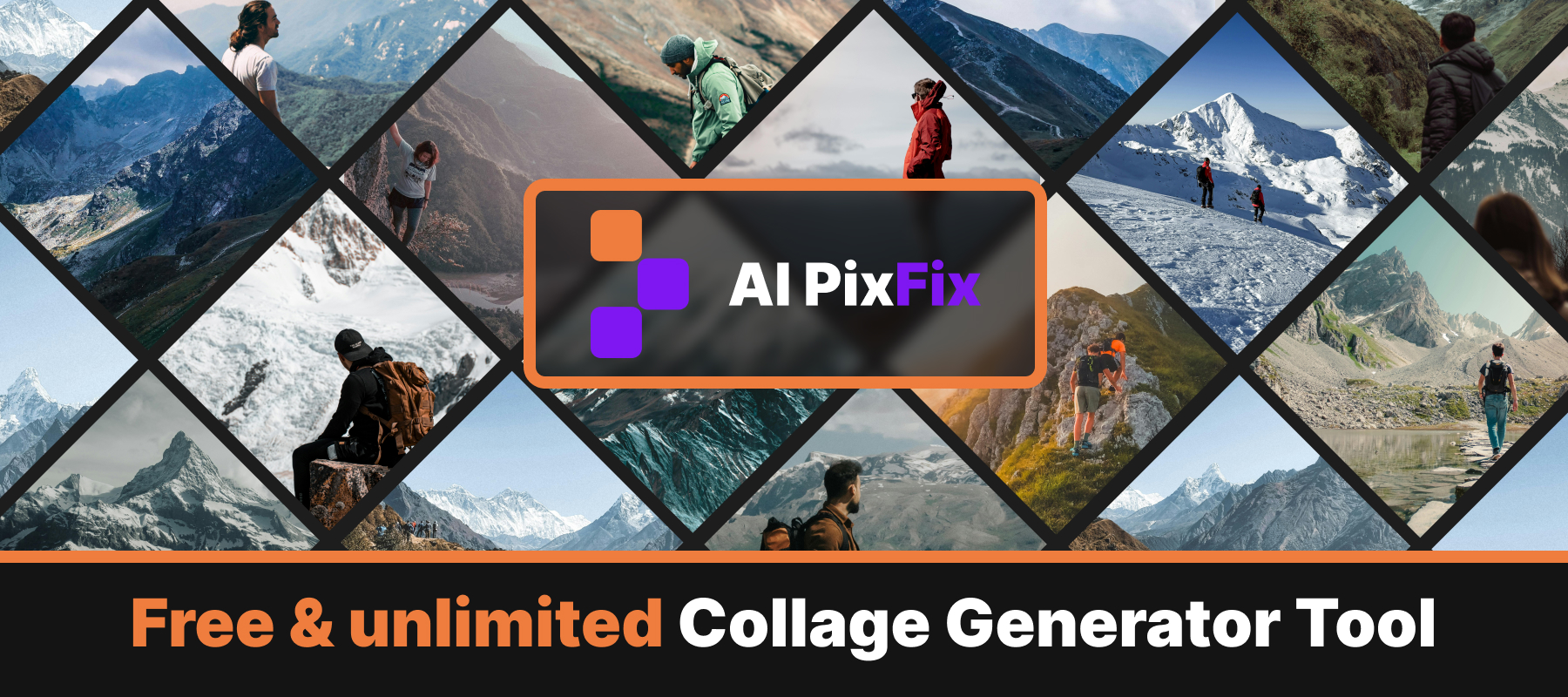
Diamond-shaped frames in three layouts: a row of three, a seven-diamond cluster, and a 2×2 diagonal grid. The rotated geometry adds visual energy and an asymmetric rhythm — well suited to fashion, sport, and lifestyle content. The seven-diamond layout is particularly striking for larger photo sets.
Mixed-shape templates that combine rectangles, circles, and diamonds in asymmetric, overlapping arrangements. Two layouts available — both break the rigid grid pattern and produce a dynamic, poster-like composition from the same set of photos.
Fine-tune: stroke, background, undo, and photo replacement
Once photos are placed the editor sidebar gives you precise control over the finish. Every adjustment is non-destructive — undo and redo track up to 30 steps, covering photo placement, scale, pan, stroke changes, and background edits.
Toggle a centered outline around every shape at once. Pick any color with the color picker and set the thickness from 1 to 60 pixels. The stroke is clipped to the shape boundary — it sits cleanly on circles and diamonds just as well as on rectangles.
Set a solid fill behind the entire collage layout. Useful when shapes don't tile edge-to-edge — particularly in diamond and chaotic templates where the gaps between shapes would otherwise render as transparent in the PNG.
Every action is recorded in session history. Step back or forward freely without losing work — photo placement, scale adjustments, pan offsets, stroke edits, and background changes are all tracked.
Drag photo thumbnails in the sidebar to swap which image fills which numbered slot — at any point during editing. The Replace section lets you swap a single photo with a different file without restarting the whole collage.
Where to use your free photo collage with geometric shapes
The online collage maker for free exports a PNG at whatever dimensions you set — no cap on width or height. That opens up uses well beyond a social post.
Websites and social media. A 2×2 rectangle grid or a circle quad works as a portfolio thumbnail, a blog post header, or a product showcase for an online store. Export at the exact pixel dimensions your platform expects — the template's aspect ratio locks in, so there's no guessing at crop coordinates afterward.
Presentations. A diamond cluster or a chaotic layout on a dark background makes a strong opening or closing slide. Export the collage at 1920×1080 pixels and drop it straight into your deck — the geometric shapes give it a designed look without any design work involved.
Print and interior decoration. Because there is no size limit on the download, you can export at dimensions suited for large-format printing — 3 000 × 3 000 pixels or higher. A seven-diamond cluster or a mixed chaotic layout printed at poster size works as wall art, and the clean geometric masking gives it a gallery-quality look without any additional retouching.
Runs in your browser — no upload, no account, no watermark
Everything the tool does — template rendering, shape masking, photo scaling and panning, stroke compositing, and PNG export — runs through the Canvas API directly in your browser. Your photos never leave your device. There is no upload step, no server-side processing, and nothing stored between sessions.
No per-image server cost means no reason for restrictions. AI PixFix adds no watermark or branding to the exported PNG, has no daily cap, and requires no sign-up. The file you download is the exact canvas you built — at whatever width and height you set.
The tool runs on Windows, macOS, iOS, and Android in any modern browser — no extension to install, no account form to fill out.
Frequently asked questions
Is this photo collage generator really free?
Yes — every template, every export, and every download is free. No account required, no daily limit, no watermark on the finished collage.
What geometric shapes are available for the collage layouts?
Four categories of ready-made templates: rectangles (2×2 grids, one large + two small, three-strip), circles (row of three, 2×2 grid), rhombuses/diamonds (row of three, seven-diamond cluster, 2×2 grid), and chaotic layouts that mix all three shapes. Each template specifies how many photos it needs — between 3 and 7 images.
Can I edit photos inside the collage shapes?
Yes. Click any photo in the editor and a frame appears around it. Drag a corner handle to scale the photo inside its shape; drag inside the frame to pan and reposition it. Everything outside the shape boundary is masked automatically. You can also reorder all photos by dragging in the sidebar, or replace a single photo without restarting the collage.
What size does the collage download at?
By default the shorter side of the collage is 800 px, with the other side computed from the template's aspect ratio. You can change both width and height freely in the editor — they stay linked to the template's proportions. There is no cap on export dimensions, which makes it suitable for large-format printing and interior decoration.
Do my photos get uploaded to a server?
No. The collage generator runs entirely in your browser using the Canvas API. Your photos never leave your device — nothing is uploaded, nothing is stored between sessions.
Pick a geometric layout, upload your photos, adjust stroke and background if needed, and download a clean PNG — three steps, no account, no watermark, any size.
Make your geometric photo collage