May 18, 2026 · Crop to Aspect Ratio
How to Crop a Photo to an Exact Aspect Ratio Online
A photo that looks fine on your camera roll can land badly the moment it has to fit a slot — a square thumbnail clips someone's head, a vertical story leaves grey bars top and bottom, a banner crops off the main subject. The fix is not to resize blindly but to crop to a specific aspect ratio. When the crop frame is locked to the proportions you need, the result drops into place perfectly. You can crop a photo online to any fixed ratio in your browser — no app, no account, nothing uploaded.
Why the aspect ratio matters more than the size
Aspect ratio is the relationship between an image's width and its height — 1:1 is a perfect square, 16:9 is wide, 9:16 is tall. Pixel dimensions tell you how big a photo is; the ratio tells you what shape it is. And shape is what decides whether a photo fits a frame or gets clipped.
Every upload slot expects a shape. An Instagram feed post wants 1:1 or 4:5, a YouTube thumbnail wants 16:9, a phone wallpaper wants 9:16. Hand a platform the wrong ratio and one of two things happens: it letterboxes your image with empty bars, or it crops the photo itself — and its automatic crop has no idea where the important part is. Cropping to the exact ratio yourself, before you upload, is how you stay in control of what stays in the picture.
The aspect ratios worth knowing
You do not need to memorise dozens of numbers — a handful of ratios cover almost everything:
- 1:1 — the square. Profile pictures, avatars, classic Instagram posts, product tiles.
- 4:5 — the vertical feed post. Takes up the most height a social feed allows without being a story.
- 16:9 — widescreen. Video frames, YouTube thumbnails, presentation slides, website hero banners.
- 9:16 — full-screen vertical. Stories, reels, shorts, phone wallpapers.
- 3:2 and 4:3 — classic photography ratios, and the natural shape for standard photo prints.
The free image cropper keeps a full set of these presets behind a single horizontal-or-vertical orientation toggle, so switching from a wide 16:9 to a tall 9:16 is one click rather than a fresh calculation.
How to crop a photo to an exact aspect ratio, step by step
Upload your photo
Drag a JPG, PNG or WebP into the tool, or click to browse. The image loads straight into the editor in your browser.
Choose Fixed Ratio mode
Pick the Fixed Ratio mode. This locks the crop frame to a proportion so it can never drift off-shape while you adjust it.
Pick the ratio
Set the orientation to horizontal or vertical, then tap the ratio you need — 1:1, 4:5, 16:9, 9:16 and the rest are one click each.
Frame the shot
Drag the corner handles to resize the locked frame, and drag the photo itself to pan it inside the frame until the subject sits where you want it.
Save and download
Click Save to render the crop, check the live output dimensions, and download the finished photo as a PNG.
Free crop, fixed ratio, exact size: three ways to cut
Cropping to a ratio is the most common need, but it is not the only one. The tool offers three modes, and the right one depends on what the final image has to fit:
- Free crop — draw any rectangle, no constraints. Use it when you just want to trim distractions and the final shape does not matter.
- Fixed ratio — the frame is locked to a proportion. Use it whenever the output has to match a slot, like a 1:1 avatar or a 16:9 thumbnail.
- Exact size — set a precise pixel width and height. Use it when a system demands literal dimensions, such as 800 × 600 px.
Most people reach for fixed ratio, because “fit this platform” is the real-world job far more often than “hit this exact pixel count.” When you crop image files for social media, the ratio is the thing that matters.
Composing the crop: pan, zoom and the rule-of-thirds grid
A locked frame fixes the shape — but you still decide what goes inside it. Instead of forcing you to move a tiny selection box around a static photo, the tool lets you drag the photo itself, panning it underneath the frame. The frame holds its ratio; you slide the image until the subject is centred the way you want.
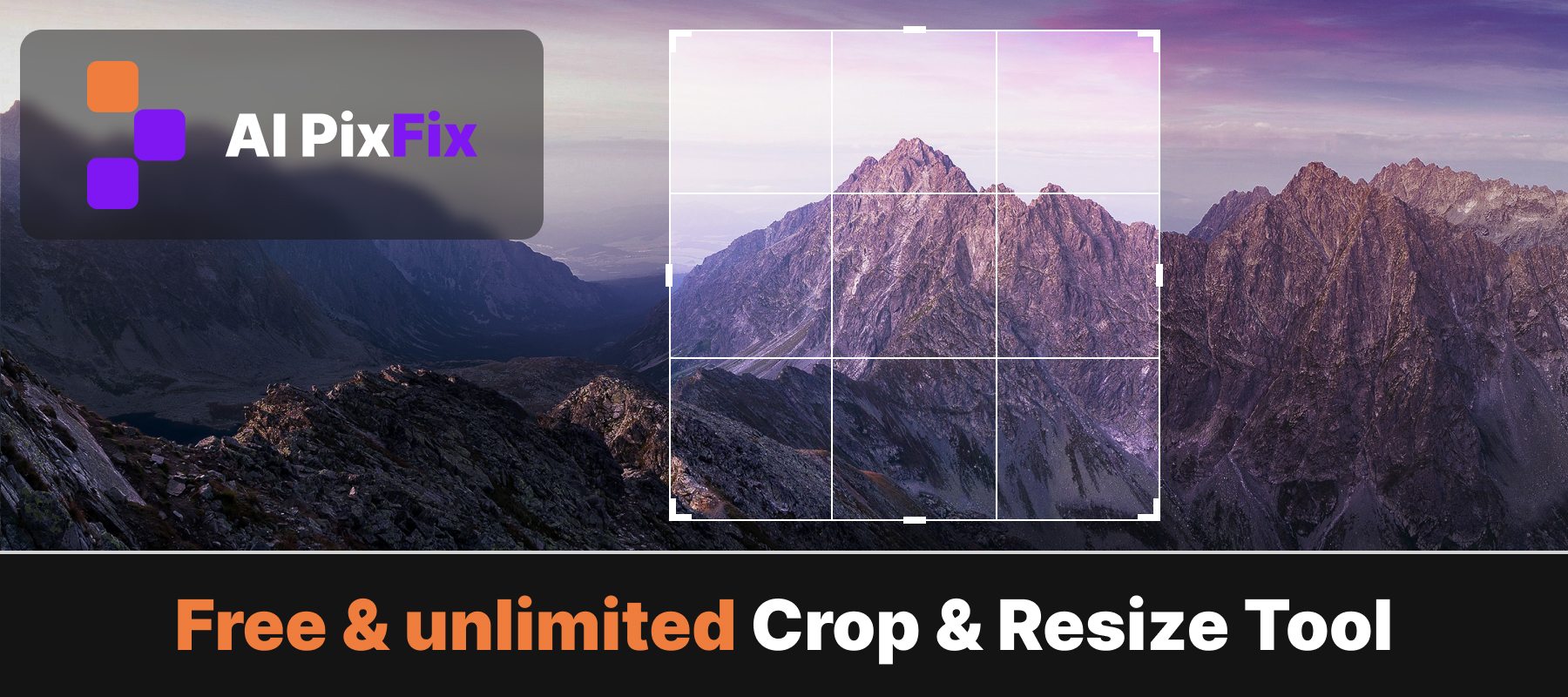
A rule-of-thirds grid is drawn over the frame as you work — two horizontal and two vertical lines that split it into nine cells. Lining a subject up on one of those lines, or on a point where two cross, is the oldest reliable trick for a balanced photo. The online image cropper also shows the live output dimensions as you drag, so you always know exactly how many pixels the final crop will be before you commit.
A crop tool shouldn't cost you a watermark or an account
Cropping a photo is one of the smallest edits there is, yet free online editors keep attaching strings to it. Fotor's pricing page lists watermarked JPG, PNG and PDF exports on its free Basic plan — so a free crop can come back stamped. iLoveIMG's pricing page shows its free Crop tool capped at a 90 MB file size and one task at a time, with larger files and batches reserved for the paid tier.
None of that fits a job this quick. A watermark turns a finished photo into an advert you have to crop out again. A per-file size cap means a high-resolution camera shot can be refused outright. And for a five-second edit, registering an account is more effort than the crop itself.
The AI PixFix cropper takes the opposite approach. It is free with no account and no watermark on the output, and because the photo is processed locally in your browser, there is no upload and no file-size gate — your image never leaves your device.
Frequently asked questions
What is an aspect ratio when cropping a photo?
Aspect ratio is the proportional relationship between an image's width and height, written as two numbers like 1:1 or 16:9. Cropping to a fixed ratio means the crop frame keeps those proportions no matter how you resize it, so the result fits a specific slot — a square post, a widescreen video, a vertical story.
Which aspect ratio should I use for Instagram?
Use 1:1 for a classic square, 4:5 for a vertical feed post that takes up the most screen space, and 9:16 for stories and reels. Lock that ratio before you crop and the photo will fit the slot without the app cropping it again for you.
Is the crop tool free, and do I need an account?
Yes, it is free with no account, no email and no watermark. You can crop as many photos as you want and download each result without registering anything.
Do my photos get uploaded to a server?
No. Cropping runs entirely in your browser. The image is loaded, framed and exported on your own device, so the photo never leaves your computer.
What format is the cropped photo saved in?
The cropped image downloads as a PNG, a lossless format that keeps the cropped pixels exactly as they appear in the frame.
Lock the ratio, frame the subject, download a photo that fits. Free, in your browser, no sign-up, nothing uploaded.
Crop a photo now